top-stories

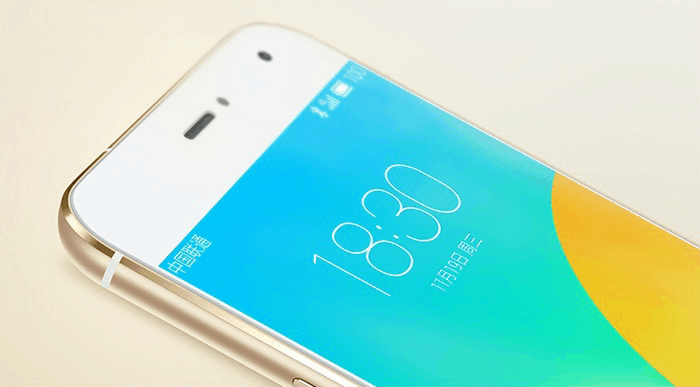
Meizu-MX4-Pro-gold

Chinese smartphone maker Meizu has announced a new superphone that blows the latest offerings from rivals like Samsung and LG right out of the water. It’s called the MX4 Pro, and in addition to an attractive form factor, it has a super-sharp “2K+” display, a fingerprint scanner, and a speedy eight-core processor.
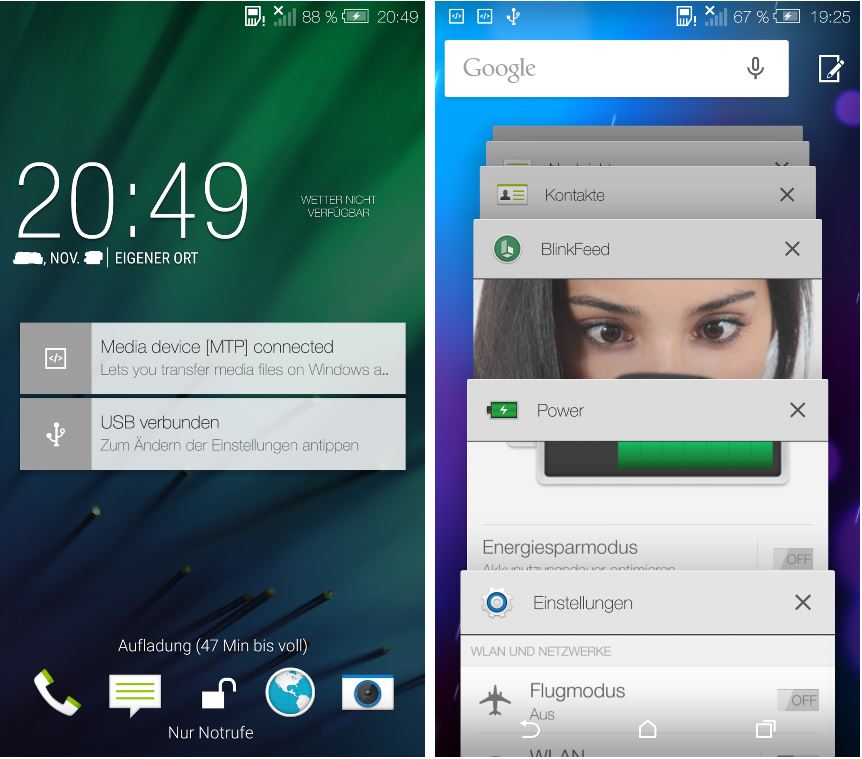
Lollipop meets Sense 6. Screenshots: LlabTooFer

Lollipop meets Sense 6. Screenshots: LlabTooFer

In case you needed proof that HTC is hard at work on bringing Android 5.0 Lollipop to its users, these screenshots give us an early glimpse at the Taiwanese company’s take on Google’s latest software. As you might expect, this is Lollipop with Sense 6, and it will already look pretty familiar to you.

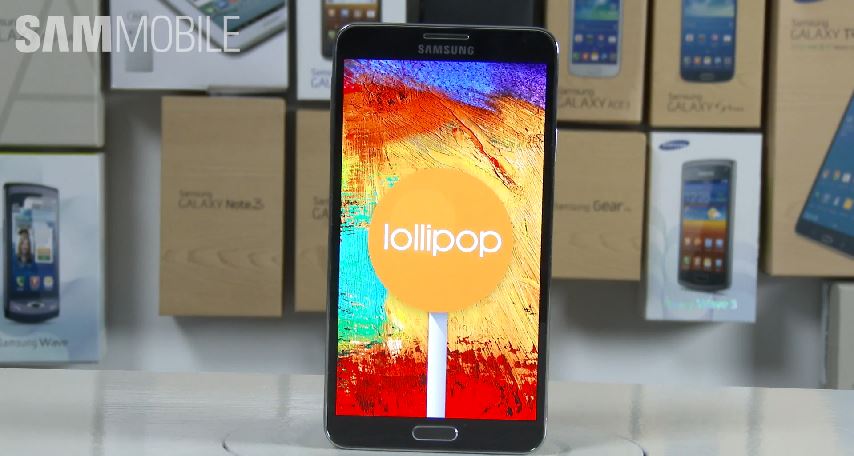
Lollipop looks sweet on the Galaxy Note 3. Screenshot: Cult of Android

Lollipop looks sweet on the Galaxy Note 3. Screenshot: Cult of Android

Samsung hasn’t begun rolling out its Android 5.0 updates to consumers yet, but that hasn’t stopped pre-release builds from making their way out into the wild. We’ve already seen Lollipop with TouchWiz running on the Galaxy S5 and the Galaxy S4, and now the five-minute clip below gives us a glimpse at it on the Galaxy Note 3.

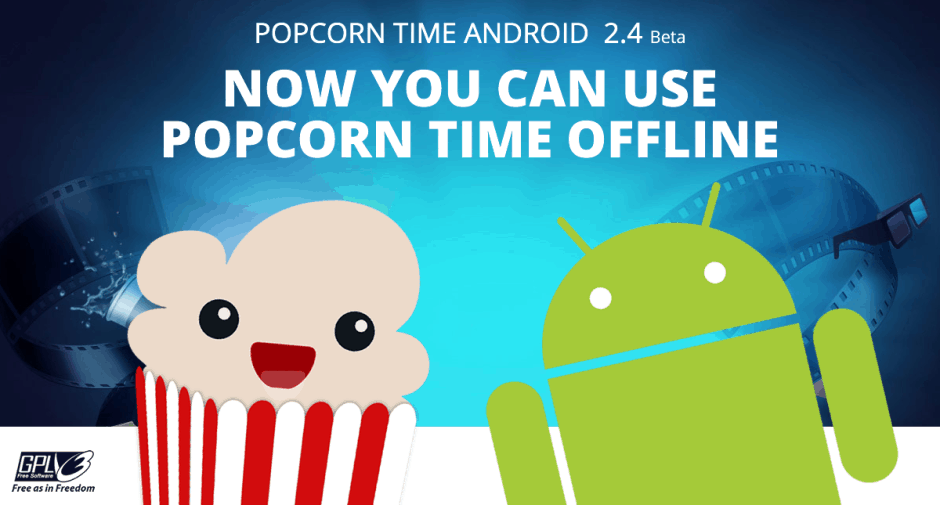
Popcorn Time now has an offline mode. Image: Popcorn Time

Popcorn Time now has an offline mode. Image: Popcorn Time

Popcorn Time for Android, the app that lets you stream movie and TV show torrents directly to your device, now allows you to download content and enjoy it offline. The much-anticipated feature is baked into Popcorn Time’s latest beta release, which also brings lots of bug fixes, adds support for physical keyboards, and lets you customize the color of your subtitles.

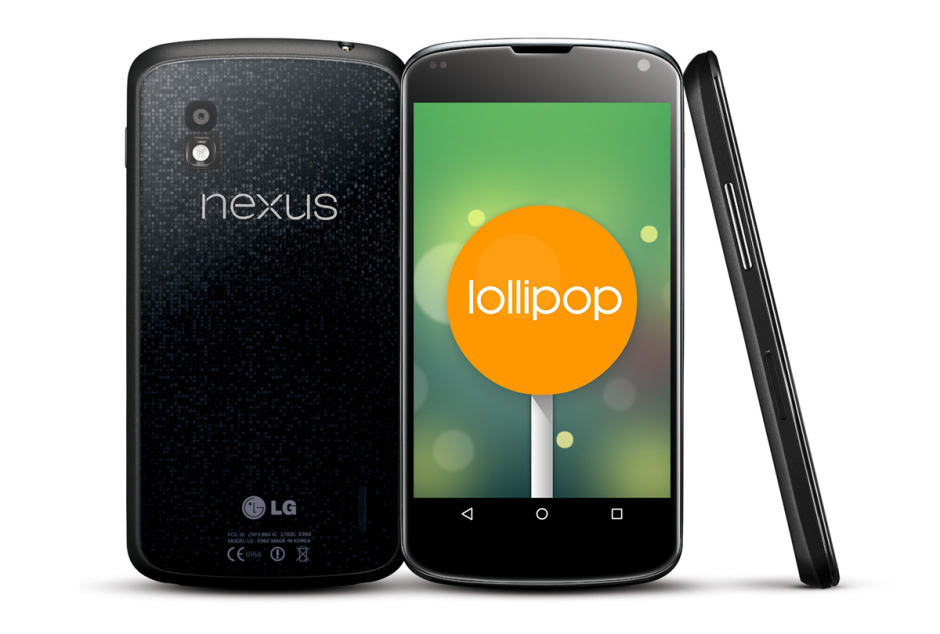
You can upgrade your Nexus 4 to Lollipop manually. Image: Cult of Android

You can upgrade your Nexus 4 to Lollipop manually. Image: Cult of Android

If you don’t want to wait another day for Google to roll out the Android 5.0 Lollipop upgrade for your Nexus 4, why not grab the firmware package yourself and flash it manually? The process is actually much simpler than it sounds; you don’t need to root your handset or unlock its bootloader, and all of your data will remain intact.

If you fancy giving it a go, check out the step-by-step guide below.

Next Page »