Posts tagged how-to

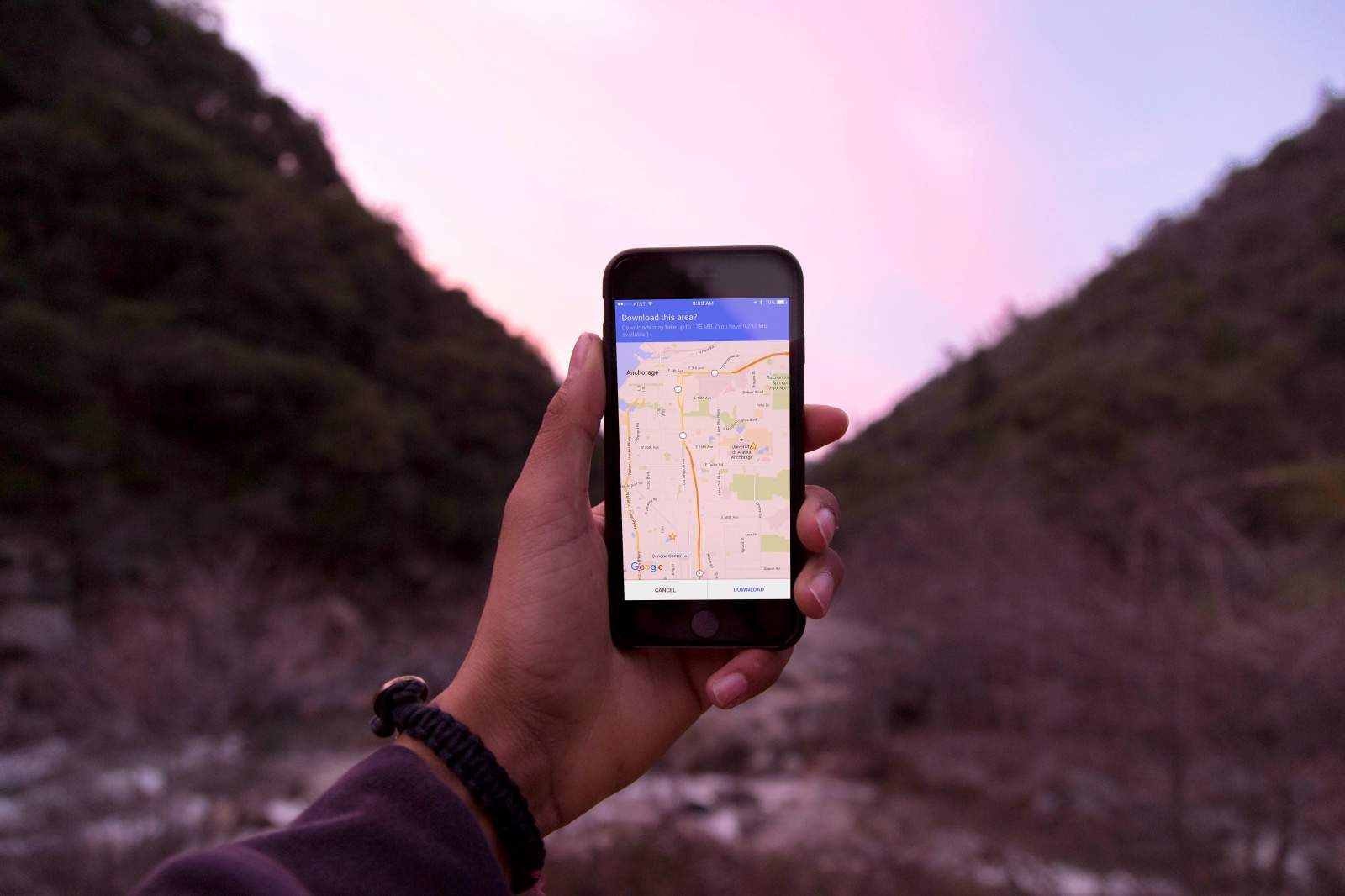
Get your Google Maps to work everywhere. Photo: Ste Smith/Cult of Mac (original image: Jordan McQueen/Unsplash CC)

Get your Google Maps to work everywhere. Photo: Ste Smith/Cult of Mac (original image: Jordan McQueen/Unsplash CC)

When you’re out in the sticks somewhere, you might get to a place where there’s no signal. How will you ever find your way home (or to the next party) without your trusty Google Maps app?

Well, with a little foresight, you can make sure Google Maps continues to be useful, even when you’re not in cellular data range.

Here’s how to use Google Maps offline to make sure you never get lost again when your smartphone goes offline.
Bingo! Photo: Killian Bell/Cult of Android

Bingo! Photo: Killian Bell/Cult of Android

Google finally added podcast support to Play Music last week, but it’s currently only available to users in the United States. However, there is a quick and easy way to active this feature on Android and iOS in other countries.

Simply follow the steps below!

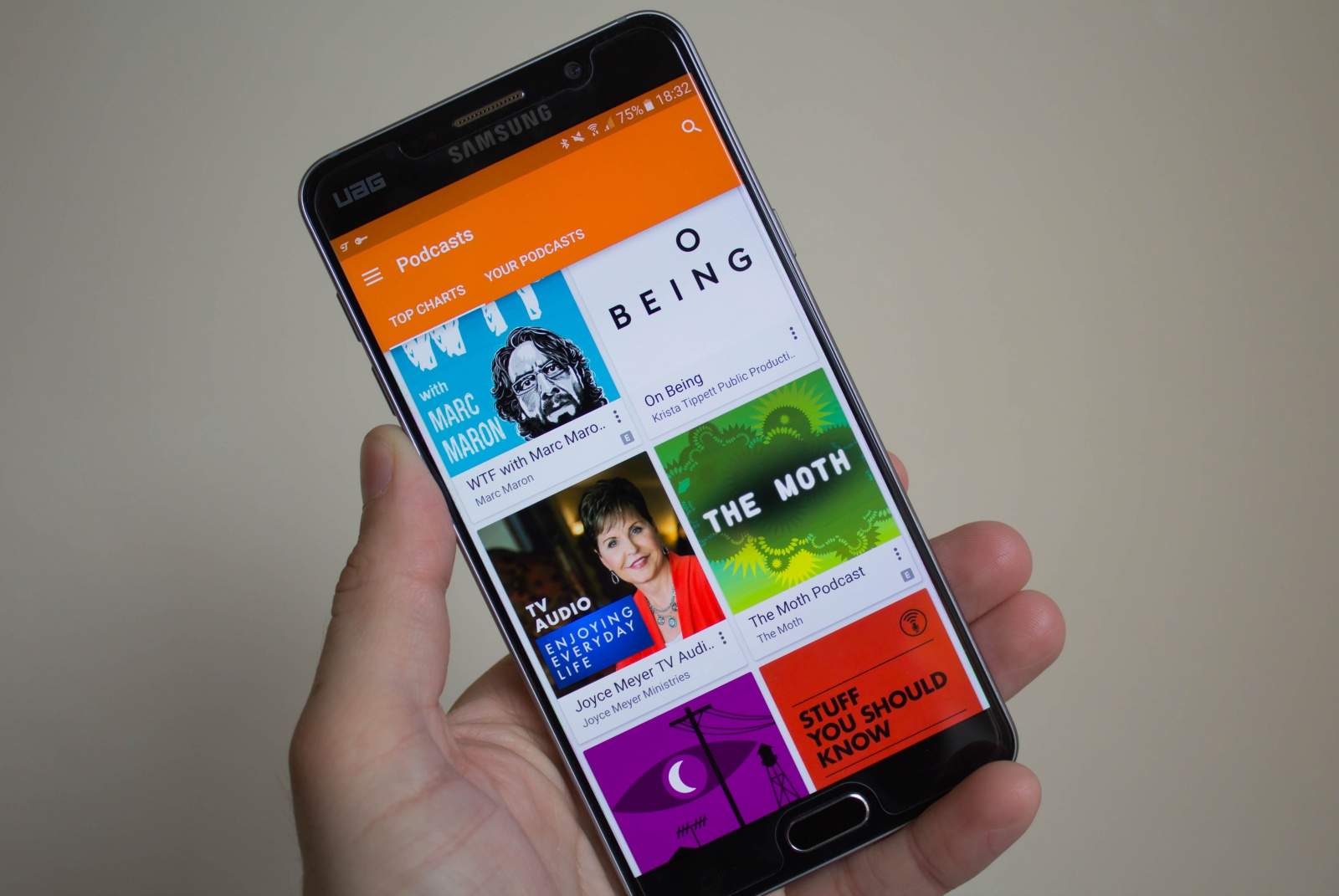
Podcasts in Play Music. Photo: Killian Bell/Cult of Android

Podcasts in Play Music. Photo: Killian Bell/Cult of Android

If you’ve already updated to the latest Google Play Music release for Android and iOS, but you still can’t find the new podcasts section, here’s a simple fix that should bring it out of hiding.

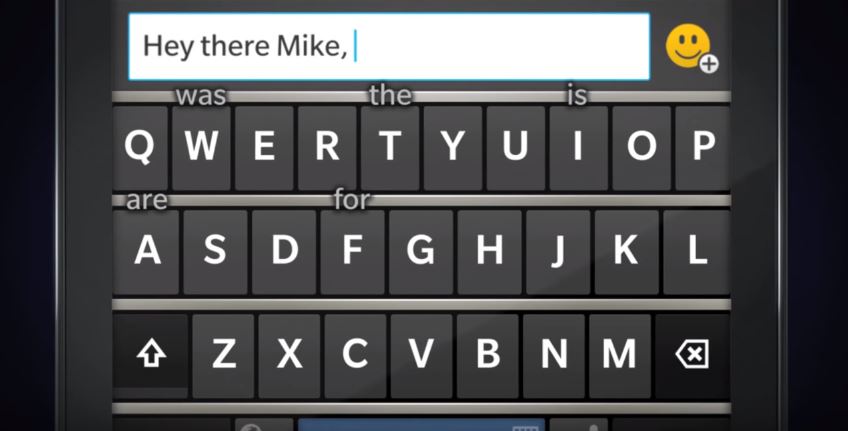
BlackBerry 10's incredible keyboard is finally available on Android. Photo: BlackBerry

BlackBerry 10’s incredible keyboard is finally available on Android. Photo: BlackBerry

BlackBerry 10 has been a complete flop since it made its debut with the Z10 in early 2013, but it does deliver some nice features that I’ve been waiting for on Android for almost three years. One of those in an awesome virtual keyboard that’s terrific to type on.

Now that BlackBerry has its own Android device, that keyboard has been ported to Google’s platform — and you don’t need to buy a Priv to get your hands on it. Here’s how to download and install it on your device.

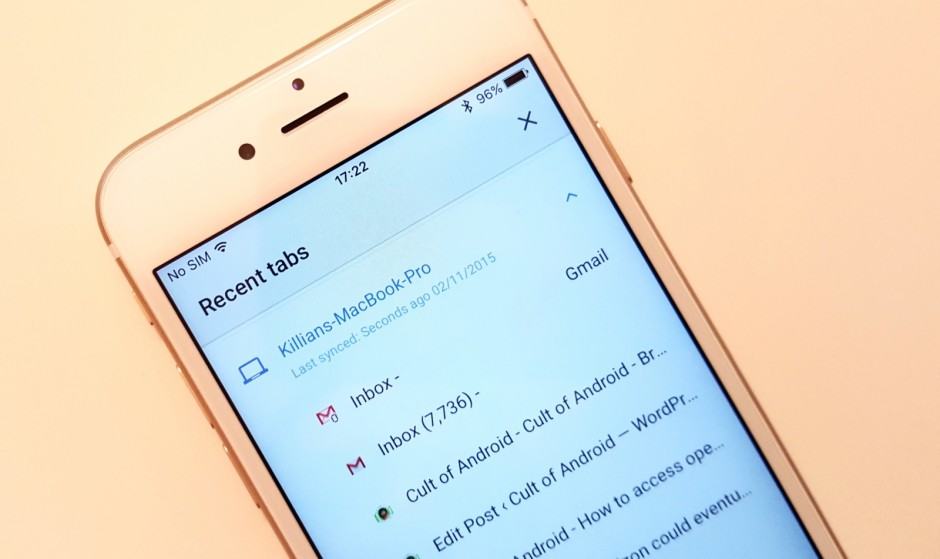
Syncing open tabs is easy in Google Chrome. Photo: Killian Bell/Cult of Android

Syncing open tabs is easy in Google Chrome. Photo: Killian Bell/Cult of Android

Did you know that it’s incredibly easy to access open Chrome tabs on your Android and iOS device? So if you’re reading an article on your computer and you have to dash out, you can access it later while you’re on the go without having to search for it again, type in a URL, or email links to yourself.

Here’s how.

Next Page »