Posts tagged how-to

Don't wait for Marshmallow! Get it now. Image: Killian Bell/Cult of Android

Don’t wait for Marshmallow! Get it now. Image: Killian Bell/Cult of Android

Google has finally made its Android 6.0 Marshmallow OTAs available to download, allowing users to update their devices manually rather than wait for it to reach them over-the-air. If you’ve never flashed an OTA manually, it can be a daunting task — but it’s actually very simple.

Here are the steps you need to follow.
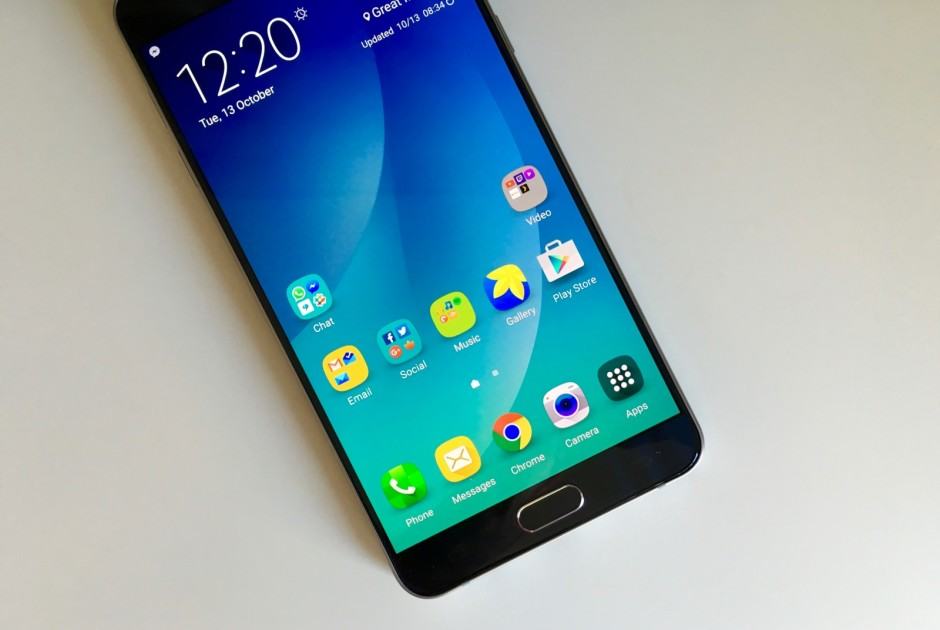
TouchWiz icon badges be gone! Photo: Killian Bell/Cult of Android

TouchWiz icon badges be gone! Photo: Killian Bell/Cult of Android

If you don’t mind using Samsung’s own TouchWiz launcher, but you hate the icon badges that leave your home screen looking messy, you’ll be pleased to know you can disable them. Samsung doesn’t make it easy, but it is possible in just a few steps.

Here’s how.

Marshmallow has lots of hidden tricks. Image: Killian Bell/Cult of Android

Marshmallow has lots of hidden tricks. Image: Killian Bell/Cult of Android

Android 6.0 Marshmallow is filled with hidden features. We’ve already told you about its secret “System UI Tuner,” and now a built-in file manager that lets you organize your photos, music, documents, downloads, and more has been discovered.

Here’s how you can access it.

Marshmallow has something up its sleeve? Photo: Google

Marshmallow has something up its sleeve? Photo: Google

Android 6.0 Marshmallow is packed full of new features and big improvements to performance and efficiency — but there’s one new addition you probably knew nothing about.

It’s called “System UI Tuner,” and it’s a secret menu that provides access to a whole host of customization options that were previously unavailable on Android without root access.

Cyanogen OS 12.1 is here for the OnePlus One. Photo: Killian Bell/Cult of Android

Cyanogen OS 12.1 is here for the OnePlus One. Photo: Killian Bell/Cult of Android

Cyanogen this week rolled out its latest Cyanogen OS 12.1 update for the OnePlus One, which features a new web browser, new interface icons for a bunch of baked-in apps, and lots more.

If you don’t want to wait for the update to reach you over-the-air, here’s how to download and install it manually.

Next Page »