Posts tagged update

The Ice Cream sandwich rollouts are beginning to make the rounds as we get closer to the summer months, and today, Sony has started pushing out Android 4.0 to the Xperia Arc and Xperia Neo. So far, Sony has kept their promise of updates, with the exception of the Xperia PLAY, which had to be canned after extensive testing proved the release to be unstable. Not only has the Xperia Arc and Neo begun receiving Ice Cream Sandwich, but a slew of other devices which were previously updated to 4.0.3, are now being bumped up to Android 4.0.4.

The popular puzzle game follow up Cut The Rope: Experiments has been keeping Om Nom fed for quite some time, but many of you have been running out of experiments to perform. Thankfully, ZeptoLab has pushed out an update to challenge our wits and feed our precious Om Nom. The latest update features:

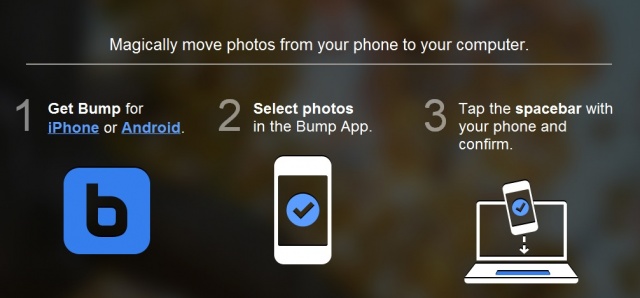
The creators of the popular Bump app that lets you share contact information and photos by simply bumping two phones together has bumped up their magic to include your computer. Thanks to today’s update, users will now be able to “magically” transfer their photos from their phone to their computer by simply bumping their phone against their keyboards spacebar. Say what? Yea, and the best part is there’s no additional software needed!

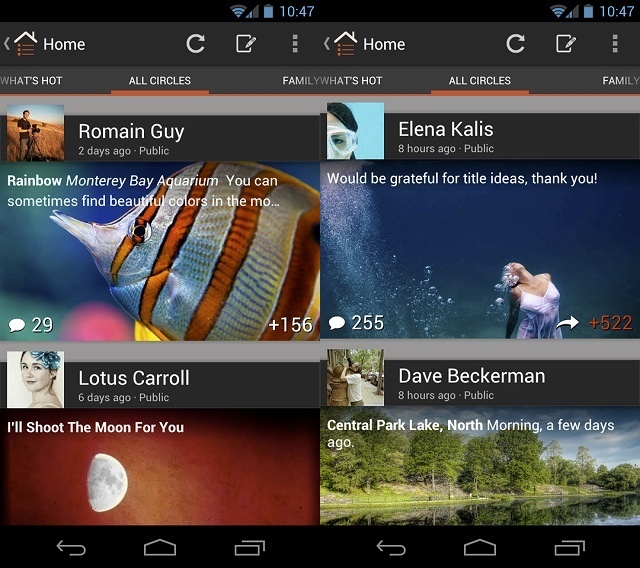
You remember that fancy Google+ update that iOS users were treated to before us Android users? Well, say hello to sloppy seconds (actually beautiful seconds) because it’s now here for Android. If you head over to the Play Store now, you’ll be able to download the latest version of Google+ and begin enjoying the UI refresh as well as:

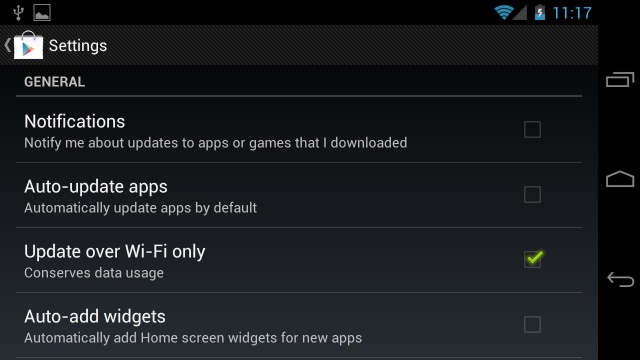
We’ve entered the age of tiered data plans, and while the majority of carriers try to suck us dry, we’re looking for ways to hold on to our hard earned cash. Thankfully, we have a few nifty controls and options at our fingertips to help us conserve and monitor our data — while the carriers try to force us to consume it. Today I’m going to show you another simple tip you can perform to help save on your data usage. This one involves Google Play and a setting that allows you to update your apps only when on Wi-Fi.

Next Page »