android

Android_Mac

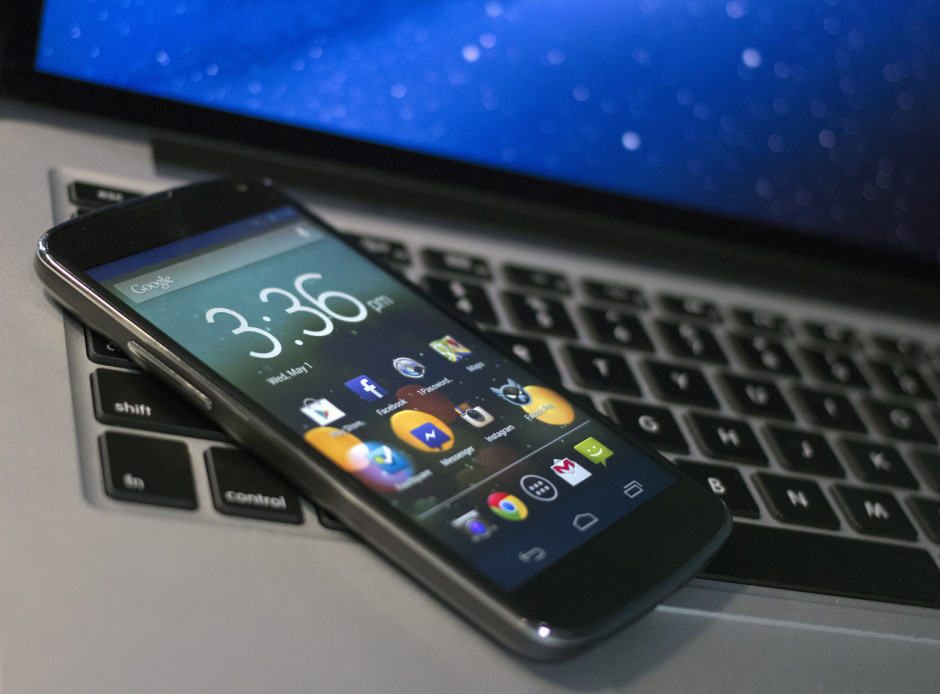
Unlike iOS and Windows Phone, Android devices don’t have an iTunes or Zune alternative that helps them manage all their data in one place. But that doesn’t mean it’s not easy to sync your music, photos, and videos with your Android smartphone.

In the previous edition of our iPhone to Android switching guide, we explained how to transfer your contacts, messages, and calendar entries. In this one, we show you how to sync your iTunes music library, along with your photo and videos, the right way.
Thanks to the strange demise of Flappy Bird the App Store and Google Play are rampant with flappy knock-offs, but after a period of silence game developer Dong Nguyen confirmed that his life destroying game is making a comeback, but you’ll have to wait a while.

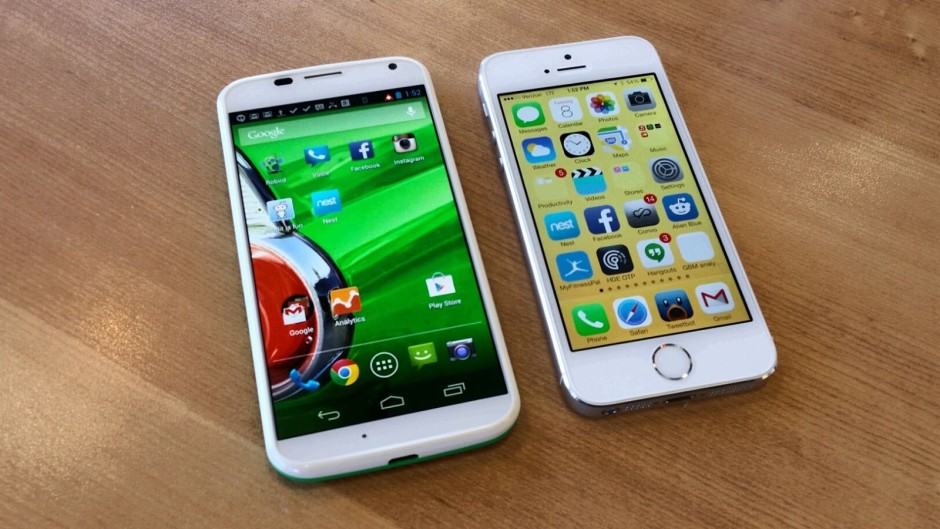
Moto-X-vs-iPhone-5s

Moto X vs iPhone 5s

Jumping from one mobile platform to another can lead to a lot of headaches initially — especially with respect to all your personal data. You won’t want to lose your contacts, calendar entries, and other important information, so it’s important that you transfer them properly.

If you’re thinking about dropping your iPhone for an Android — maybe because you realized you could pick up a flagship Android for less than the 8GB iPhone 5c — then our switching guides can help.

In this one, we’ll show you how to transfer your messages, contacts, and calendars from your old handset to your new one. On Friday, we’ll follow it up with a simple how-to on syncing your Android with your iTunes library, and how to transfer your photos and videos.

Screen Shot 2014-03-19 at 14.21.13

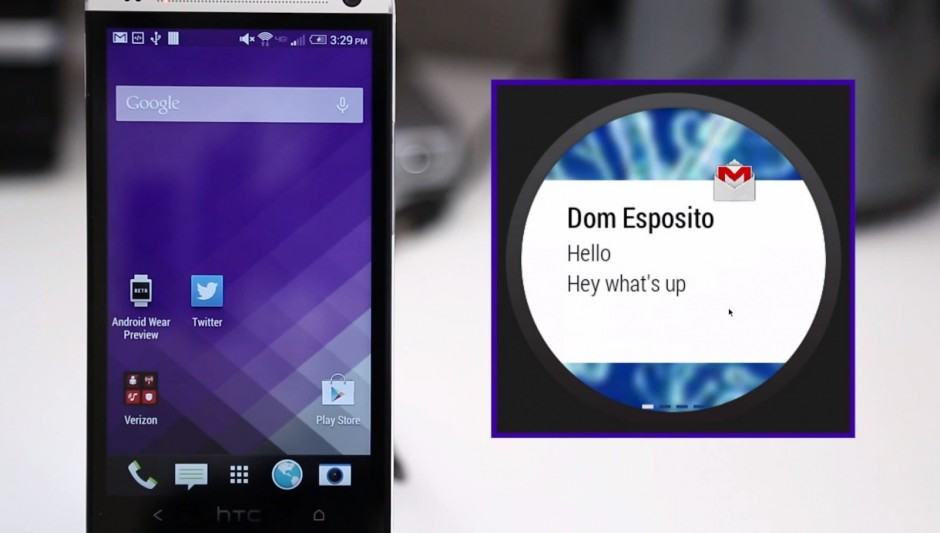
Like every software platform, Android Wear’s future success will hinge on how it’s supported by third-party developers. But there’s one thing we can be absolutely sure of at this stage — and that is that Google has at least got the basics right.

The search giant’s promotional video, which was published on Tuesday alongside its Android Wear announcement, shows how it has optimized Android — or Google Now — to work seamlessly and elegantly on a tiny touchscreen that fits on your wrist.

But we get an even better look at some of Android Wear’s basic features in the overview video below.

moto360

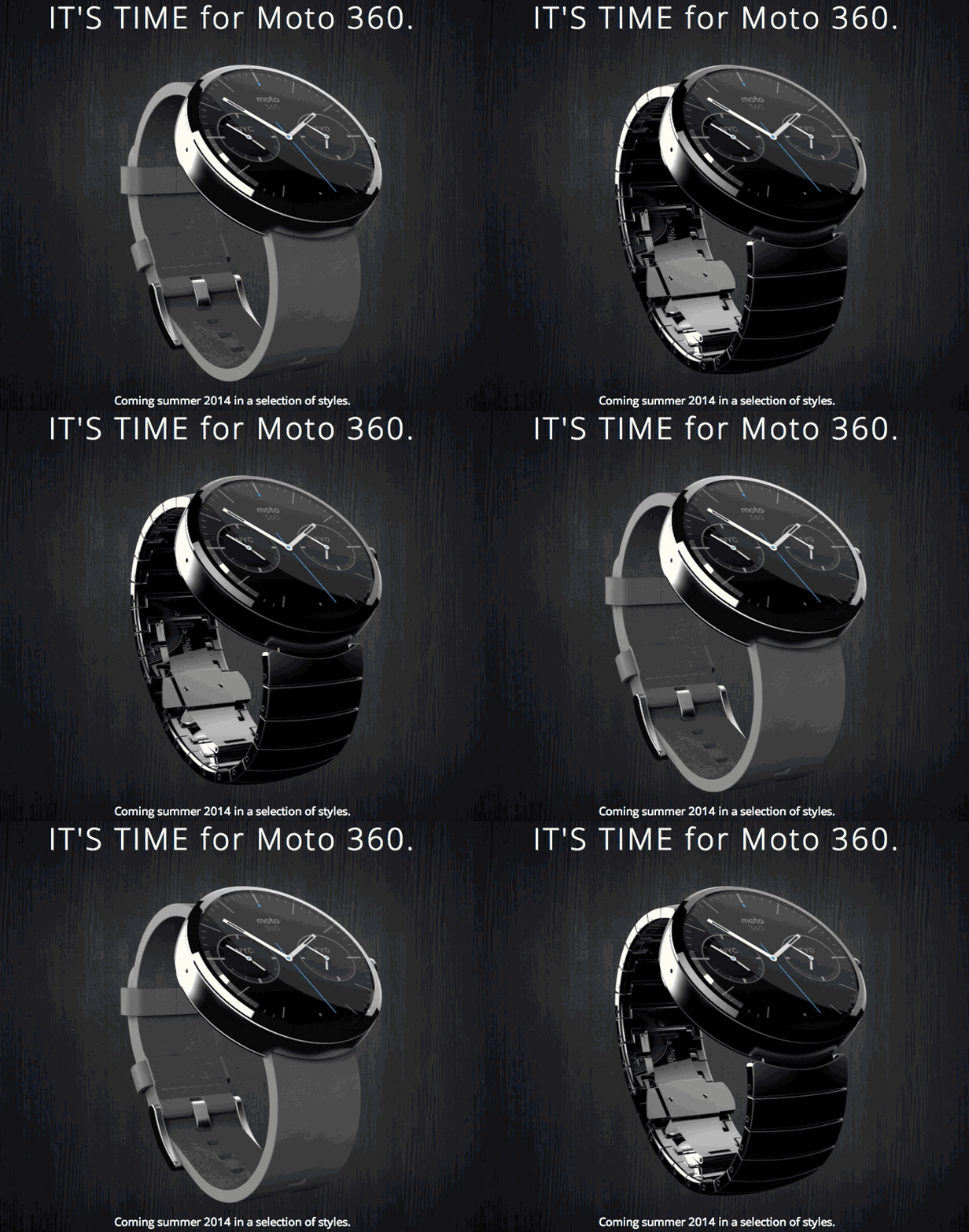
The iWatch hasn’t been announced. We haven’t seen any leaked hardware, but that’s not stopping every major tech company in the world from rushing out their smartwatch designs, including Motorola which just announced its beautiful answer to iWatch, the Moto 360.

Rather than utilizing a square display Motorola ambitiously decided to give the Moto 360 watch face a round display, which is trickier to manufacture and code for, but it looks gorgeous. Moto 360 is powered by Google Wear, features Google Now voice inputs, has built in support for Maps, Email, Texting and calls, plus it doubles as a pretty nice timepiece.

Here’s the Moto 360 teaser

Next Page »