Posts tagged root

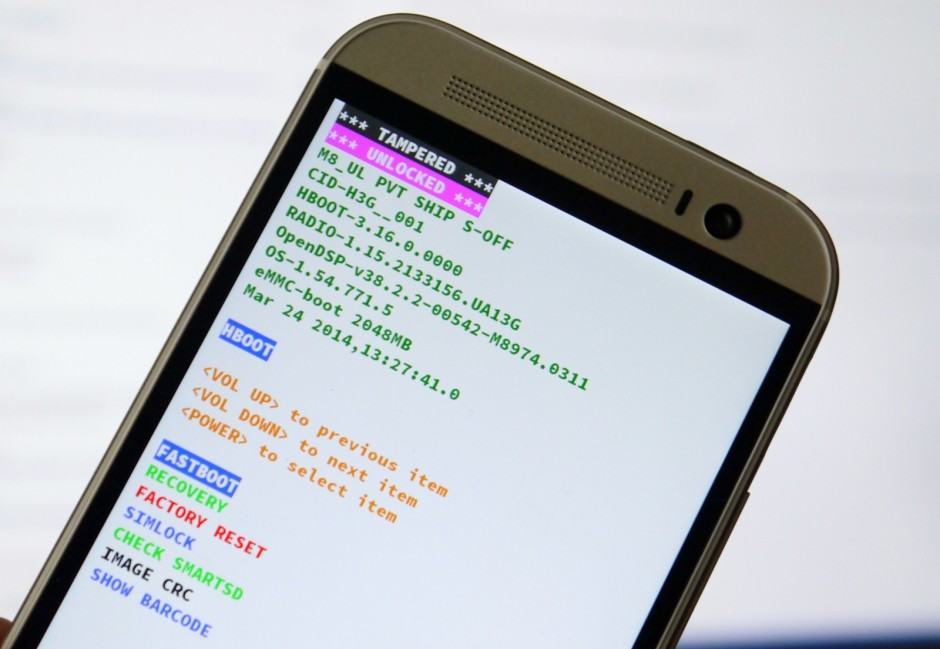
One-M8-fastboot

Fastboot on an HTC One M8. Photo: Killian Bell/Cult of Android

If you want to unlock the bootloader on your Android device or flash a custom recovery so you can use third-party software, you need a Mac or PC. But that could soon change, thanks to Google.

The search giant is reportedly working to bring the Android Debug Bridge (ADB) and fastboot to its Chrome OS platform, allowing those with affordable Chromebooks and Chromeboxes to tinker with Android development.
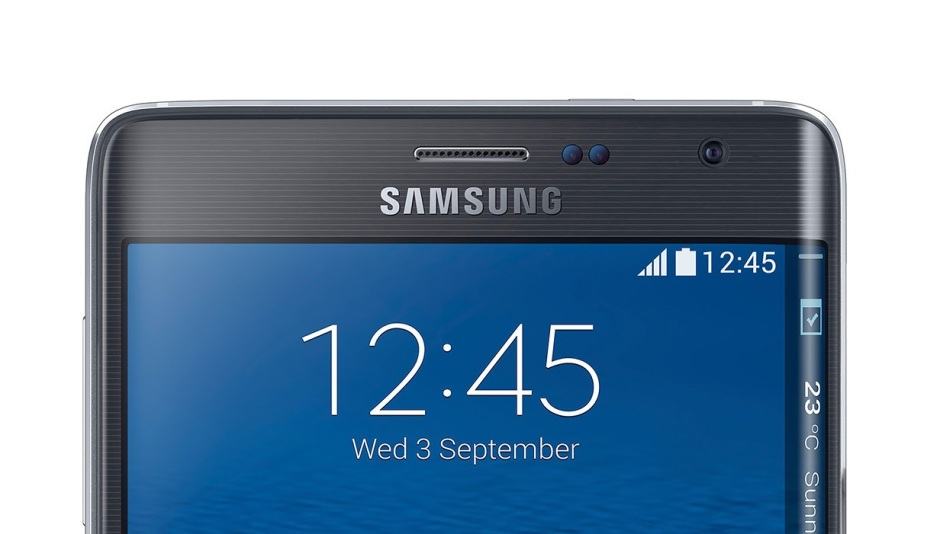
Turn your Edge's earpiece into a front-facing speaker. Photo: Samsung

Turn your Edge’s earpiece into a front-facing speaker. Photo: Samsung

Samsung has this annoying habit of putting loudspeakers on the back of its smartphones, meaning they become muffled when you place them down or hold them in your palm; the South Korean company hasn’t yet gotten around to copying HTC’s front-facing BoomSound speaker setup.

But owners of a rooted Galaxy Note Edge can turn their handset’s earpiece into a second loudspeaker themselves with this simple software tweak.

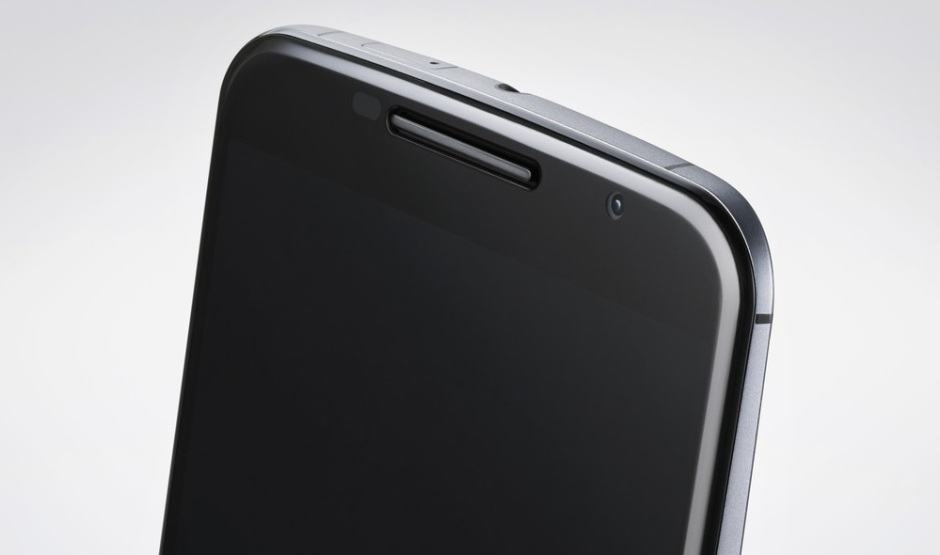
The Nexus 6 is hiding a great feature that's easy to enable. Photo: Google

The Nexus 6 is hiding a great feature that’s easy to enable. Photo: Google

Early versions of the Nexus 6, including those issued to select reviews, had an awesome double-tap to wake function much like the HTC One M8, which was inexplicably removed by Google before the handset made its public debut. It’s unclear why it was pulled, but if you’ve already rooted your device, you can get it back with this simple app.

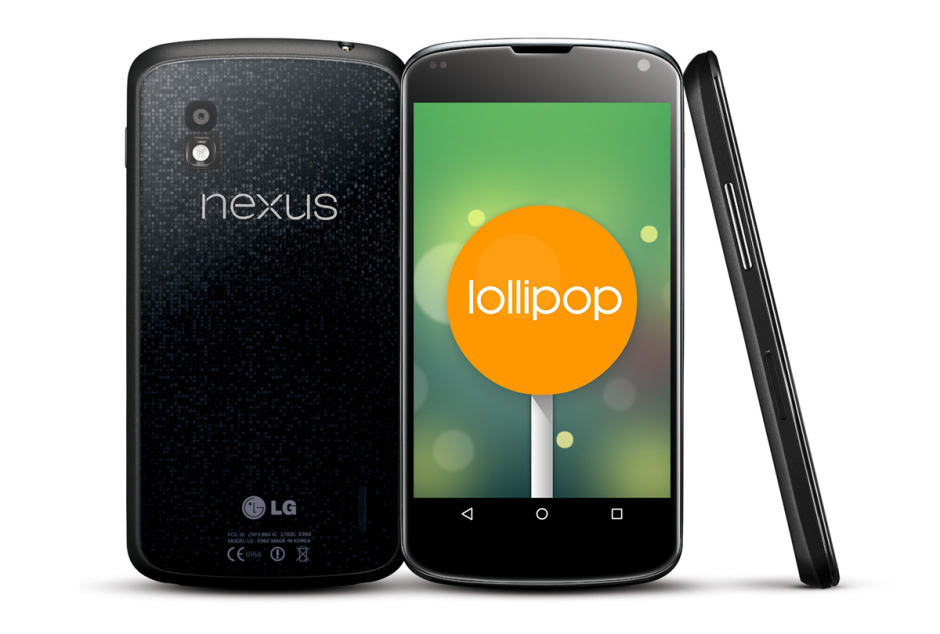
You can upgrade your Nexus 4 to Lollipop manually. Image: Cult of Android

You can upgrade your Nexus 4 to Lollipop manually. Image: Cult of Android

If you don’t want to wait another day for Google to roll out the Android 5.0 Lollipop upgrade for your Nexus 4, why not grab the firmware package yourself and flash it manually? The process is actually much simpler than it sounds; you don’t need to root your handset or unlock its bootloader, and all of your data will remain intact.

If you fancy giving it a go, check out the step-by-step guide below.

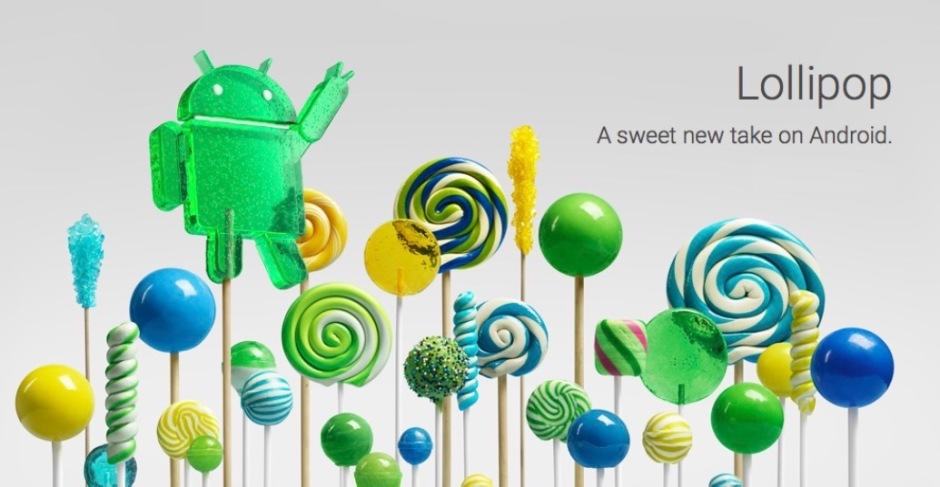
Lollipop is well worth looking forward to. Image: Google

Lollipop’s new apps are gorgeous. Image: Google

It will likely be a while yet before the vast majority gets its hands on Android 5.0 Lollipop — especially those without Nexus devices. But that doesn’t mean you can’t have a taste of it right now. Lollipop’s Messenger, Play Music, Google Fit, and other apps are already available to download and install on your existing device with Android 4.4.4 KitKat.

Next Page »