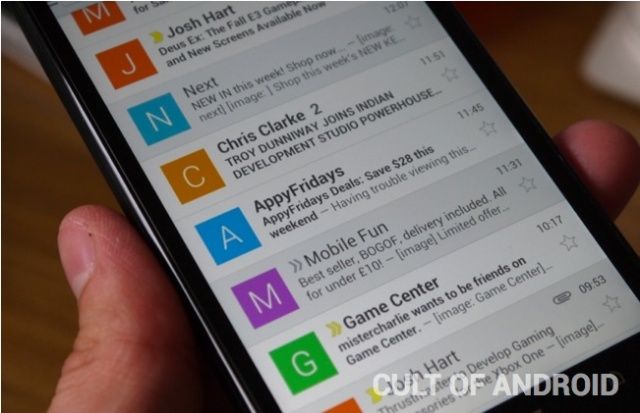
Google updated its Gmail app for Android earlier this week, and most of the changes and new features it introduced have been welcomed by users. But there is one that’s splitting opinions, and that’s the new contact images that sit alongside your emails.
They’d be neat if every email had a contact image to go with it, but if your inbox looks anything like mine, the vast majority of them don’t, so instead you see a big colorful initial that just wastes space.
Fortunately, it’s easy to to turn those contact images. Here’s how.