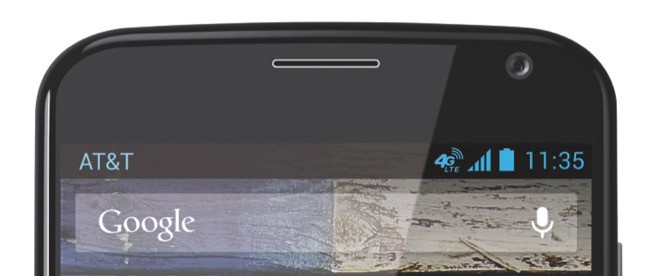
Remove that AT&T logo from your status bar. Image: Motorola

Remove that AT&T logo from your status bar. Image: Motorola

Motorola’s smartphones are praised for having near pure Android firmware, but the company has a habit of putting carrier names in the status bar by default. And for the vast majority, it’s nothing but annoying — after all, it’s not like you’re going to forget which carrier you’re with, right?

Fortunately, it’s super simple to hide it, and you won’t even need root access. Here’s what you need to do.
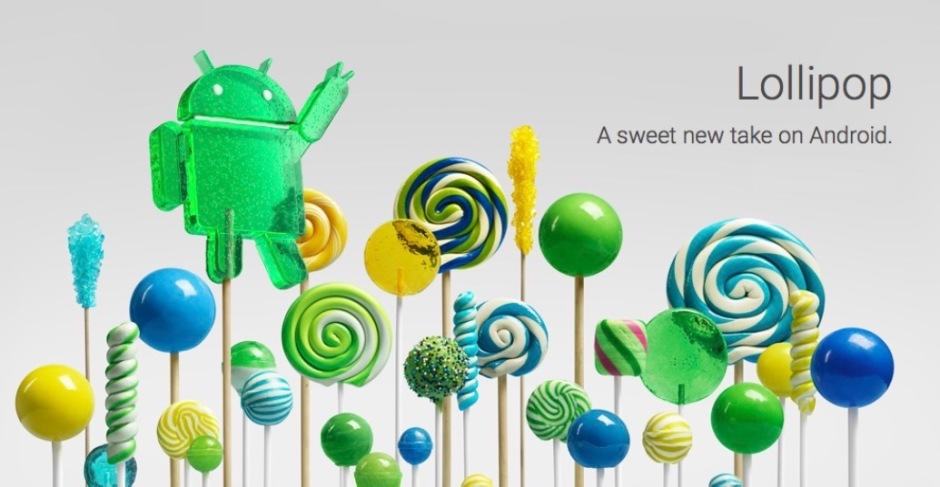
Lollipop is well worth looking forward to. Image: Google

Lollipop’s new apps are gorgeous. Image: Google

It will likely be a while yet before the vast majority gets its hands on Android 5.0 Lollipop — especially those without Nexus devices. But that doesn’t mean you can’t have a taste of it right now. Lollipop’s Messenger, Play Music, Google Fit, and other apps are already available to download and install on your existing device with Android 4.4.4 KitKat.

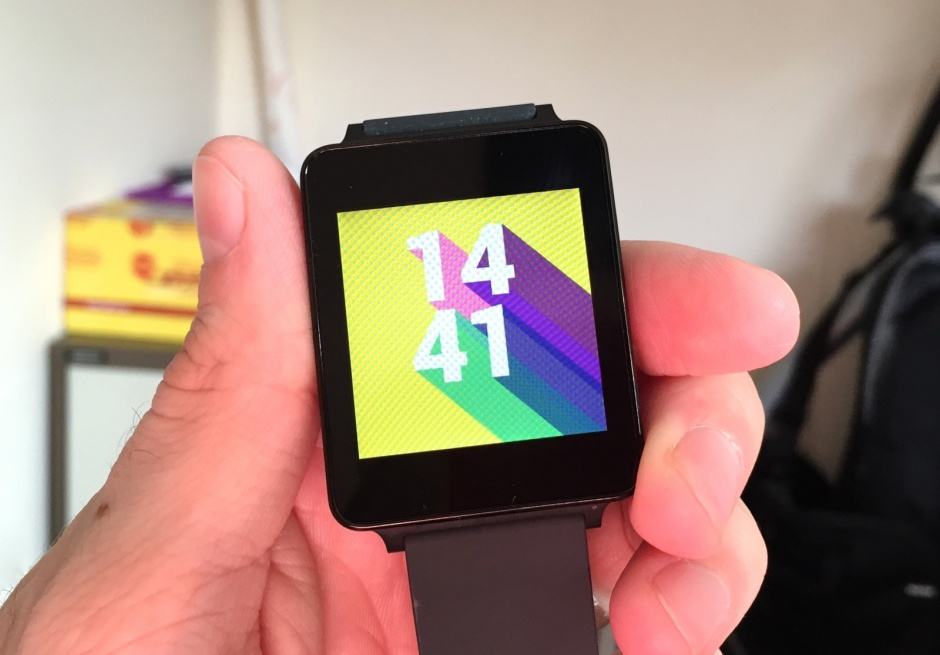
The latest Android Wear update is now rolling out to the G Watch. Photo: Killian Bell/Cult of Android

The latest Android Wear update is now rolling out to the G Watch. Photo: Killian Bell/Cult of Android

Google has begun rolling out its latest Android Wear update, which adds offline music playback and the ability to connect to Bluetooth headphones, and support for watches with a GPS. The “4.4W.2” software is currently reaching users with an LG G Watch over-the-air.

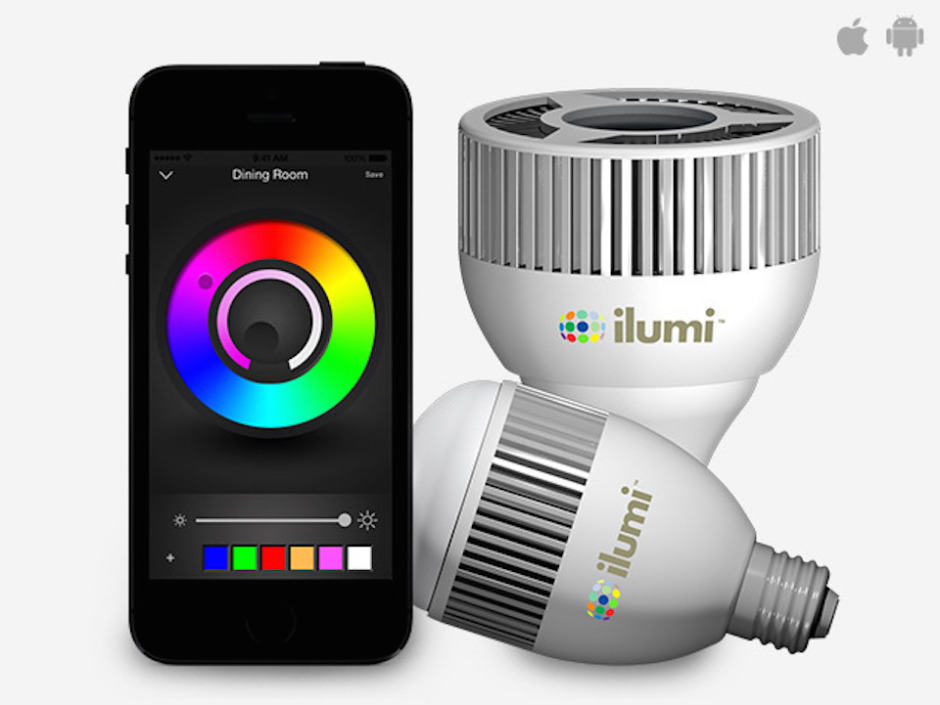
redesign_ilumi_MF1_1014

The days when light bulbs came with just two modes — on and off — are long gone. With the ilumi LED, the world’s smartest light, your lighting possibilities are almost endless. You can choose the color and brightness of your bulbs, wake up naturally with simulated sunshine, and dance the night away with party pulses.

And if you buy your ilumi LED by the end of Tuesday, you’ll get it for just $79 — $11 off its regular retail price — thanks to Cult of Android Deals.

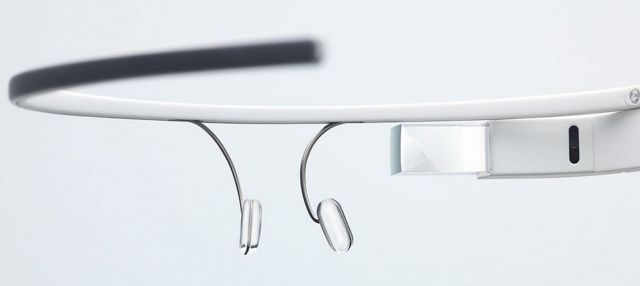
You cannot receive notifications on Google Glass and Android Wear. Photo: Google

You cannot receive notifications on Google Glass and Android Wear. Photo: Google

Google Glass users can finally view Android notifications as they arrive on their smartphone — but only if they’ll give them up on Android Wear. Notifications cannot be delivered to both devices simultaneously, so unfortunately for wearable junkies, it’s one or the other.

Next Page »