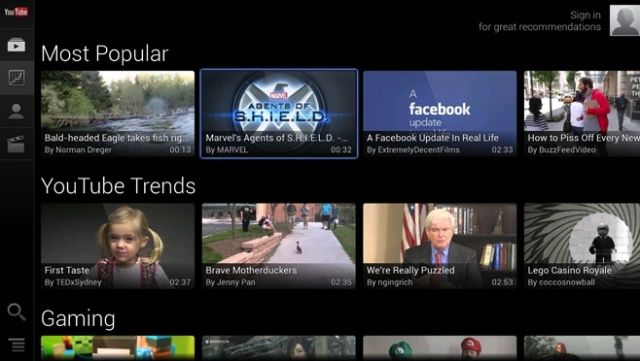
Google unveiled a ton of astonishing new features, updates and applications at the Google I/O keynote on Wednesday, however something they failed to mention was the brand new update for their YouTube application for the Google TV.

Google unveiled a ton of astonishing new features, updates and applications at the Google I/O keynote on Wednesday, however something they failed to mention was the brand new update for their YouTube application for the Google TV.
Google has sent Microsoft a cease and desist letter over the YouTube app Microsoft built for Windows Phone. According to a letter obtained by Wired, Google demands that Microsoft immediately remove the YouTube app from the Windows Phone Store and then disable the app on all existing handsets by May 22.
In its letter to Microsoft, Google claims that the YouTube app allows users to download videos and strip out ads. Here’s part of the letter from YouTube’s Director of Platform Partnerships:
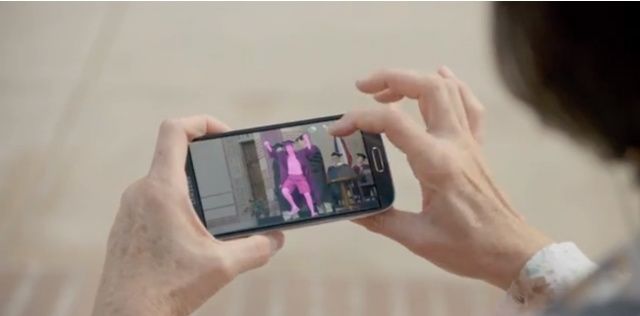
Samsung has revealed another two commercials for the new Galaxy S4, focusing on features that have been integrated into its TouchWiz user interface. One of the clips highlights the smartphone’s Eraser Shot feature, while the other shows off Easy Mode.
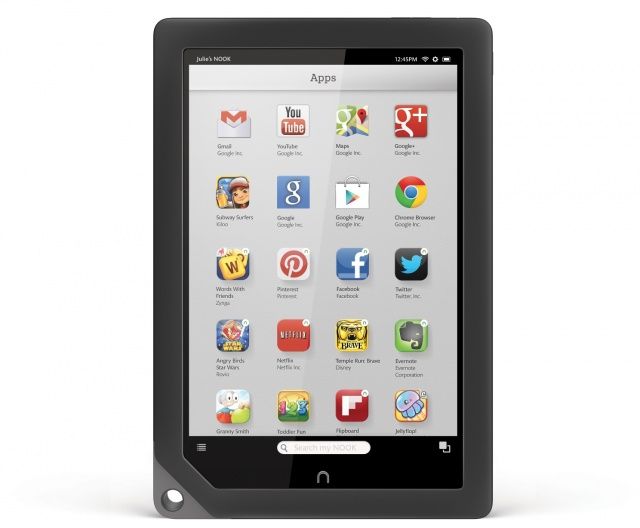
Like Amazon’s Kindle Fire devices, Barnes & Noble’s Android-powered Nook HD and Nook HD+ tablets have always relied on the company’s proprietary app store for software distribution.
While this ensures that every app you download will work well on your slate, it also means that the app selection is limited, and nowhere near that of Android’s own Google Play store.
But that all changed today when Barnes & Noble announced it will finally be bringing Google Play to its tablets.
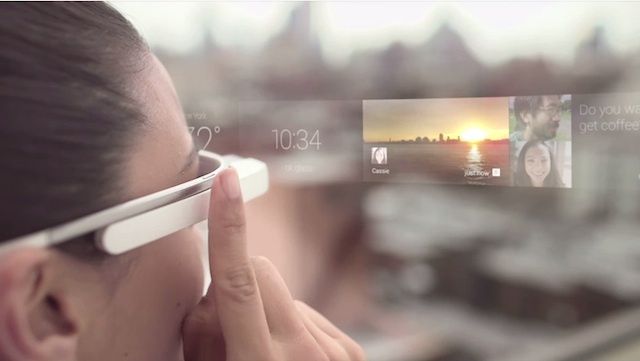
Google Glass is the future of technology. Maybe. But for most of us, it will be at least 6-12 months before we ever get to touch Google’s futuristic piece of headwear. In the meantime, Google wants to make sure everyone is prepped in advance and knows how to use Glass so it’s making a series of videos to get you up to speed.
Google just released its first instructional video for Glass on its new Google Glass YouTube channel . The video, titled “Glass How-to: Getting Started,” covers the basics on how to use Glass. It briefly runs down features like the TouchPad, cards, sharing photos, navigation, etc. Sadly, it doesn’t cover how to not look like a weirdo while wearing Glass.
Take a look:


