Posts tagged how-to

Nexus-4-KitKat

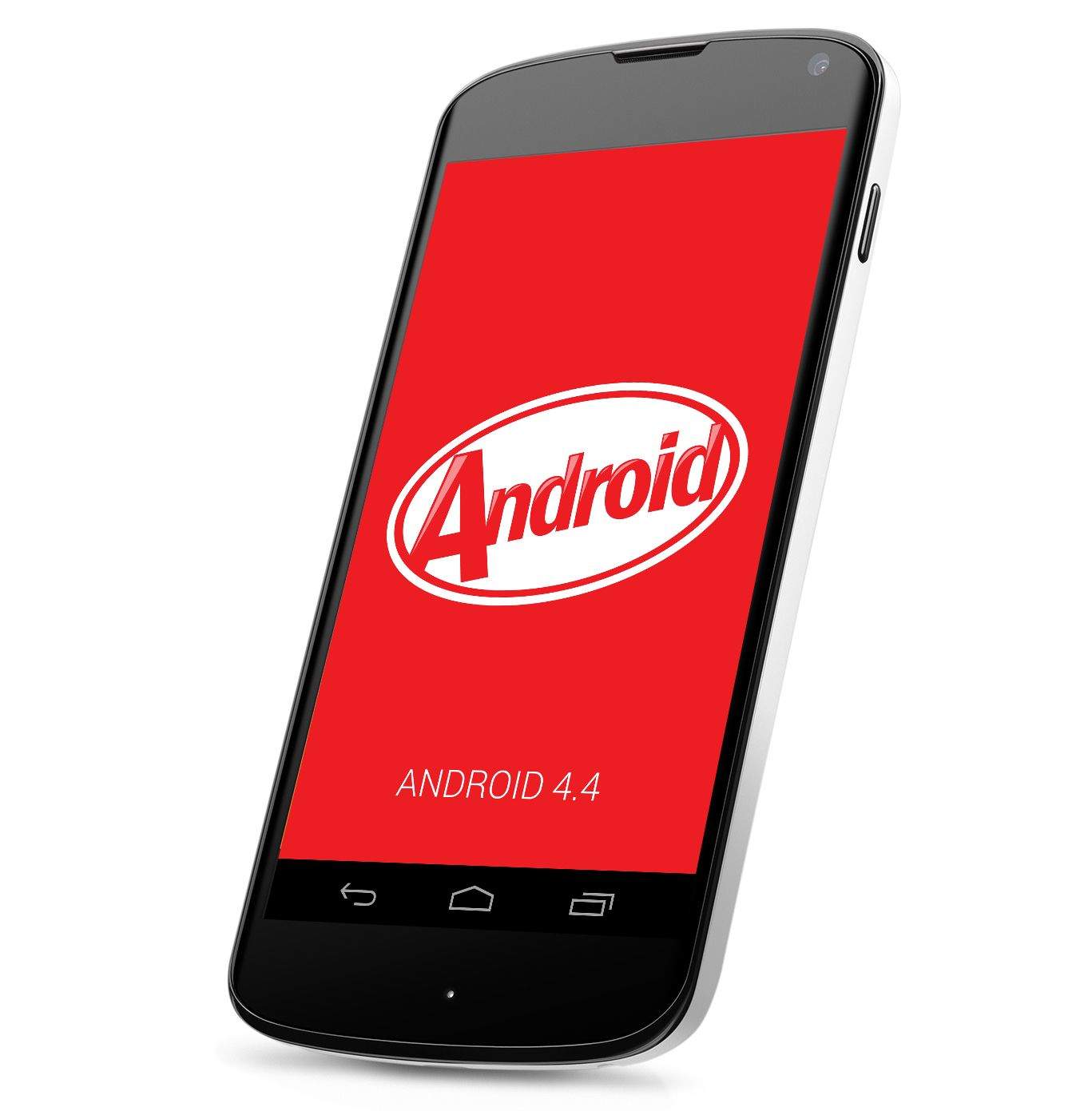
Google has been pretty slow in rolling out the Android 4.4 KitKat OTA update for the Nexus 4. While the OTA started rolling out a couple of days ago, majority of the Nexus 4 owners are yet to get the update. The good news is that the download link of the OTA update has been grabbed by a samaritan on the Internet, giving impatient Nexus 4 owners the chance to install the KitKat update on their device right away. 
owner-info-lock-screen

If you’re a forgetful smartphone owner who likes to leave their device in cabs and coffee shops, then why not make it easier for people to return your handset to you by adding your contact details to the lock screen? It’s quick and easy to do, and it’s a feature that built right into Android, so you don’t even need a third-party app.

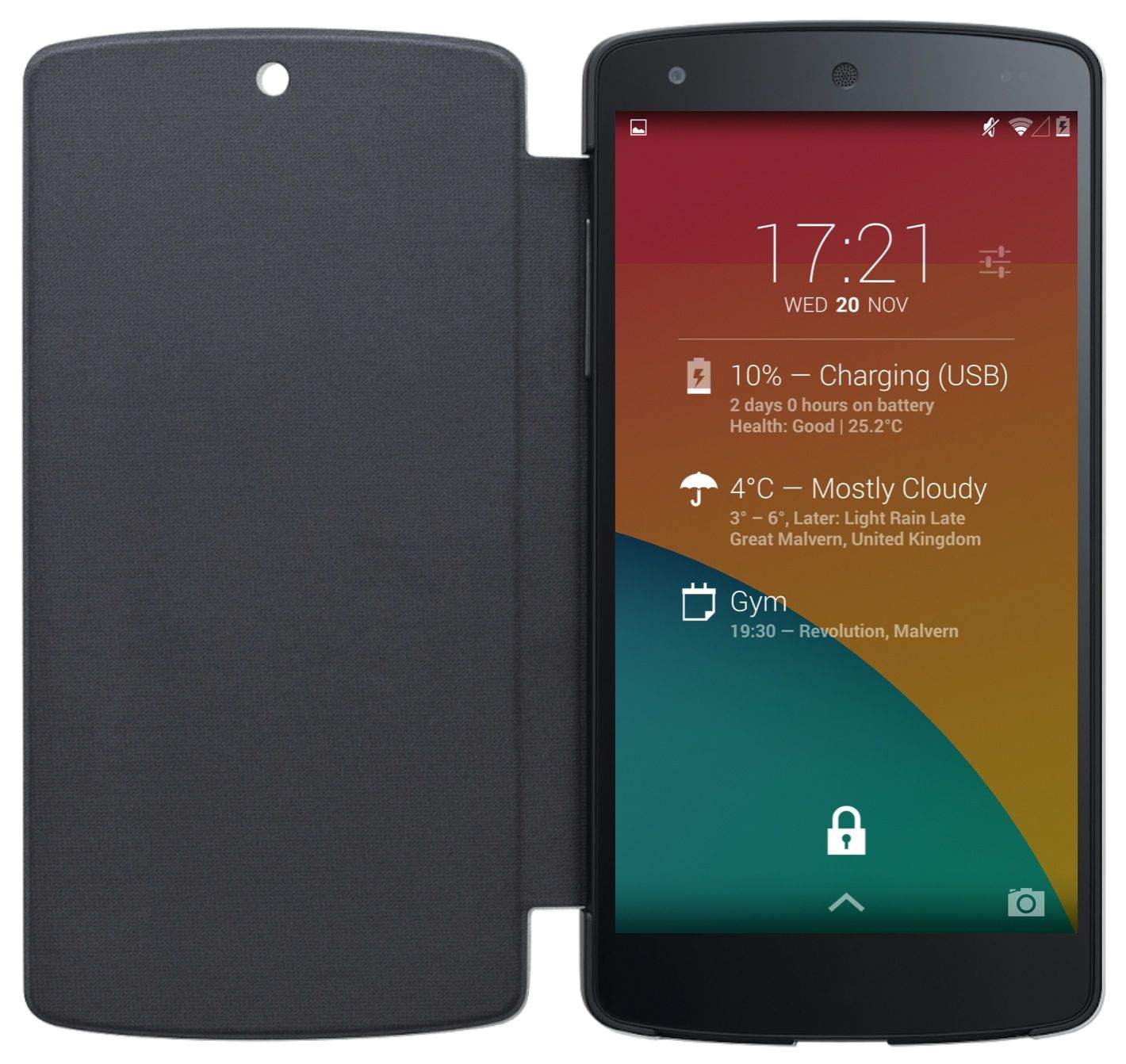
Nexus-5-lock-screen-widget-DashClock

Lock screen widgets were first introduced to Android last November with Android 4.2 Jelly Bean, but in Google’s latest KitKat release, they’re disabled by default. But don’t worry — they haven’t been killed off altogether; you just need to enable them again if you want to use them.

Here’s how.

Hangouts-blur-phone

Now that Hangouts has SMS integration, it’s the default SMS client in Android 4.4 KitKat, which means traditional text messages and instant messages are now all thrown in together. But if you don’t like it like this, there is a way you can change it.

Ok-Google

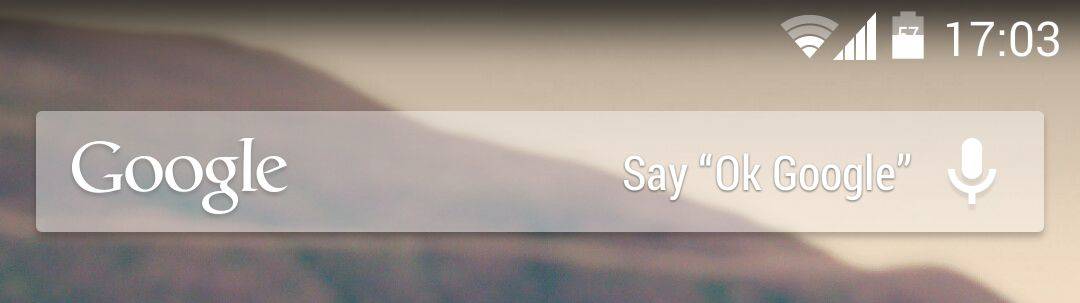
If you recently picked up a new Nexus 5, and you live outside of the United States, you may have noticed that saying “Ok Google” to activate its voice-controlled assistant doesn’t work — no matter how loud you shout it. That’s because it isn’t designed to work internationally yet, but there is a really simple way to enable it.

Next Page »