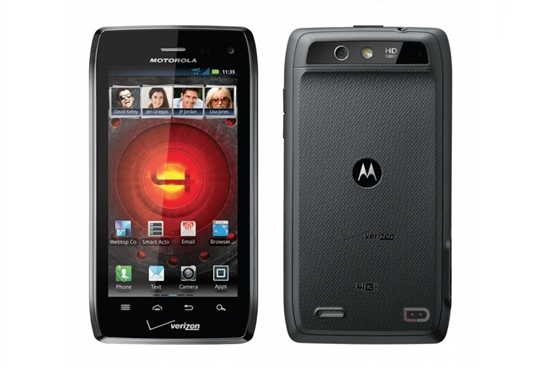


There are plenty of situations were you may want to keep your screen from automatically rotating its orientation (like typing while laying down). You may not be aware but there’s actually a setting that can be toggled to enable or disable your screen from automatically rotating. Once you know how to find it, you’ll be on your way to enjoying a fixed screen that won’t turn on you while your typing mid-sentence. It’s real easy, all you have to do is follow the directions below:

 Laaaaaaaaaaadies and Gentlemen, welcome to Friday Night Fights, a new series of weekly deathmatches between two no-mercy brawlers who will fight to the death — or at least agree to disagree — about which is better: Apple or Google, iOS or Android?
After this week’s topic, someone’s going to be spitting teeth. Our question: Is Siri Really A Revolutionary Feature? Android’s had voice actions and voice recognition for years, so what does Siri really bring to the table that’s new? Is it all just hype?
In one corner, we have the 900 pound gorilla, Cult of Mac; in the opposite corner, wearing the green trunks, we have the plucky upstart, Cult of Android!
Place your bets, gentlemen! This is going be a bloody one.
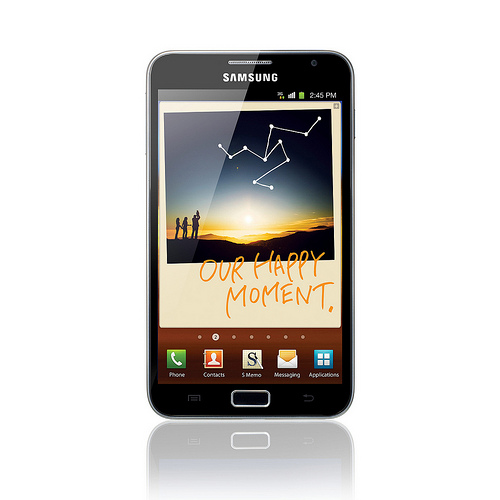
Our favorite cloud storage service has a nice little treat for anyone brave enough to beta test their latest app. Right now, Dropbox is offering up to an extra 5G of storage for testing out their new automatic upload feature. For every 500MB of photos and videos you automatically upload, Dropbox will reward you with a 500MB space bonus, up to 5GB. Automatic upload seems to be the primary feature added in this beta build, but here’s what they list as new on their site:


