Posts tagged google

SwiftKey-4

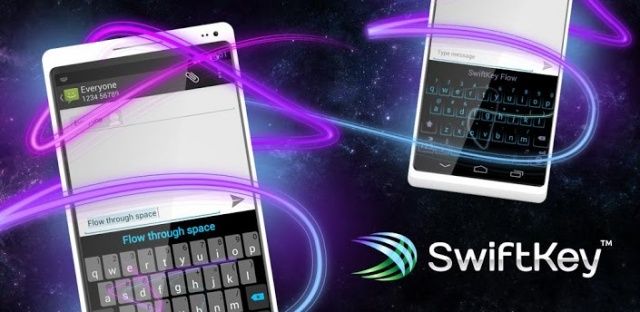
SwiftKey 4 is now available for Android, bringing Flow, a new gesture-based typing experience, to one of the platform’s most popular third-party keyboards. Flow works just like Swype for Android, or Google’s latest stock keyboard — allowing you to slide your finger across the on-screen keys to type. It even lets you write multiple words, so you can type out full sentences without ever lifting a finger.

Google-Now

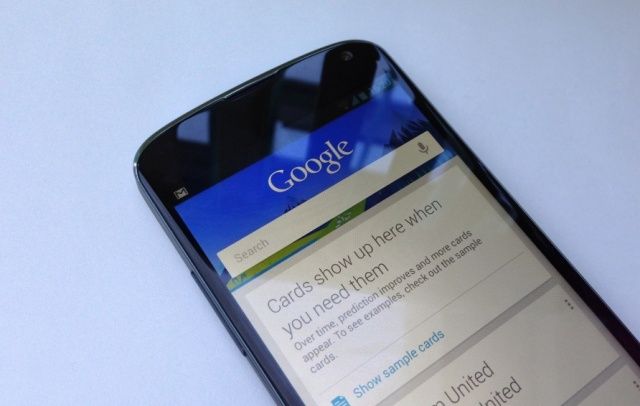
Google has constantly been working to improve Google Now since the feature made its debut in Android 4.1 Jelly Bean, and it often adds new cards and new features that enhance its functionality. The latest is recipe recommendations. Like other Google Now cards, these will appear after you’ve been searching Google for recipe ideas.

LG-Optimus-G-Pro

LG announced its super-sized Optimus G Pro last week, a 5.5-inch handset that’s coming to do battle with the Samsung Galaxy Note II. The device will be coming to Korea this week, the company has now confirmed, before making its way to North America during Q2 2013.

In addition to its impressive 1080p display, the Optimus G Pro will also be the first smartphone to offer a quad-core Snapdragon 600 processor, which is the successor to the popular Snapdragon S4 Pro.

BT

Google has countersued British Telecom, a multinational telecommunications company based in the United Kingdom, with a new patent infringement lawsuit filed in the U.S. and the U.K. BT first took legal action against Google back in 2011, but Google has called its complaint “meritless,” and accuses the company of “arming patent trolls.”

nexus_4

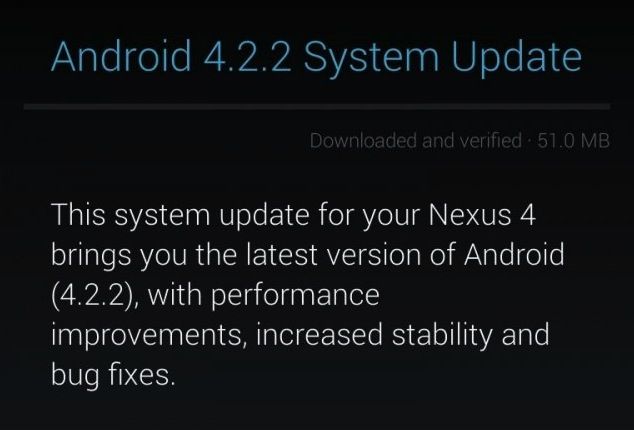
A couple of days ago, Google started rolling out the Android 4.2.2 Jelly Bean update for the Galaxy Nexus, Nexus 7 and Nexus 10, with the Nexus 4 joining the list today. The update is being rolled out over-the-air, so it can take up to a couple of weeks or more for it to be available on your Nexus device.

If you have root access, you can easily install the update manually. If not, you can try to pull the update manually from Google’s server. Depending on your region and your luck, you might just be able to manually initiate the OTA update on your Nexus device. Here are the steps you’ll need to give it a go.

Next Page »