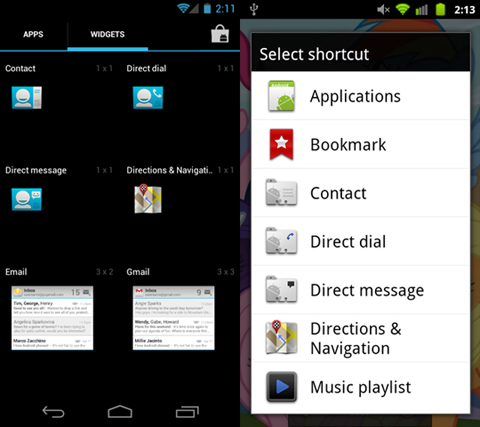
Adding shortcuts to your homescreen is one of the quintessential conveniences of owning an Android smartphone. While there are all types of shortcuts you can add, today we’re going to focus on how to add a direct dial shortcut. A direct dial shortcut is essentially an on screen speed dial icon that allows you to one-tap dial any contact you’ve specified. Adding a direct dial shortcut is an easier and faster way to call your most frequently dialed contacts. We’ve put together some simple instructions along with a short video to show you just how easy it is to add a direct dial shortcut.

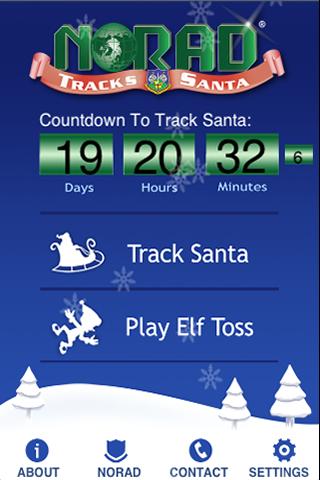
With Christmas only two days away, nothing is more exciting for a child than the newer aged tradition of tracking his whereabouts on Christmas Eve. A program that started back in the mid 1950’s has evolved into more than just calling in to get Santa’s location. We can now track his real-time progress via sophisticated Santa tracking instruments developed by the North American Aerospace Defense Command (NORAD). The media on which we’ve been tracking Santa has evolved throughout the years and now that the mobile age is upon us, it only makes sense to have an official app.

With CES only a few weeks away, we’re preparing ourselves for what is surely going to be an Android extravaganza. With Android activations surpassing 700,000 devices per day, it would be unwise for any company to ignore its strong market presence. This leads us to believe CES 2012 will be chock full of Android goodness. We’re going to dive into a few products and announcements we expect to see this year, along with a few things we’re keeping our fingers crossed about.
Popular cloud gaming service Onlive has updated their Android app to include support for Sony Ericsson Xperia PLAY’s slide-out game controls. The Onlive service offers on-demand top-tier console gaming streamed live to any supported Android device. Cloud based gaming is considered by many to be the future of gaming, and because everything is rendered server-side, users of “last year’s” hardware have the ability to play “this year’s” games.
A couple of days ago, the Dropbox team gave the Android community a sneak peek at their redesigned Dropbox app for Android. Version 2.0 looked great and was quick to flaunt its Ice Cream Sandwich optimizations. While there was no word as to when the update was going to make it to market, we knew it would be soon. Well guess what? Today’s that day, and we’re happy to announce that Dropbox 2.0 for Android is now available for download in the Android Market.


