news

sprint-edition-harmon-one

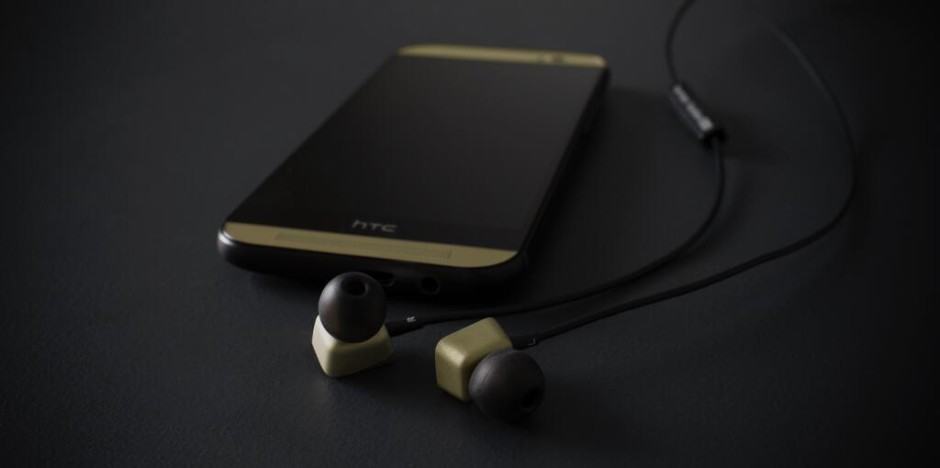
Just a month after the HTC One (M8) went on sale in the United States on all the major carriers, HTC and Sprint have teamed up to release a Harman Kardon edition One (M8).

This special-edition One is similar to the regular M8, except that it comes with a unique black anodized aluminum finish with champagne highlights and uses two special technologies from Harman Kardon to deliver better audio quality. 
gsmarena_001

We’ve heard a wealth of speculation about HTC’s upcoming scaled-down variant of its flagship smartphone, the M8 Ace, including that it will be yet another Mini variant or will be the company’s latest entry-level handset.

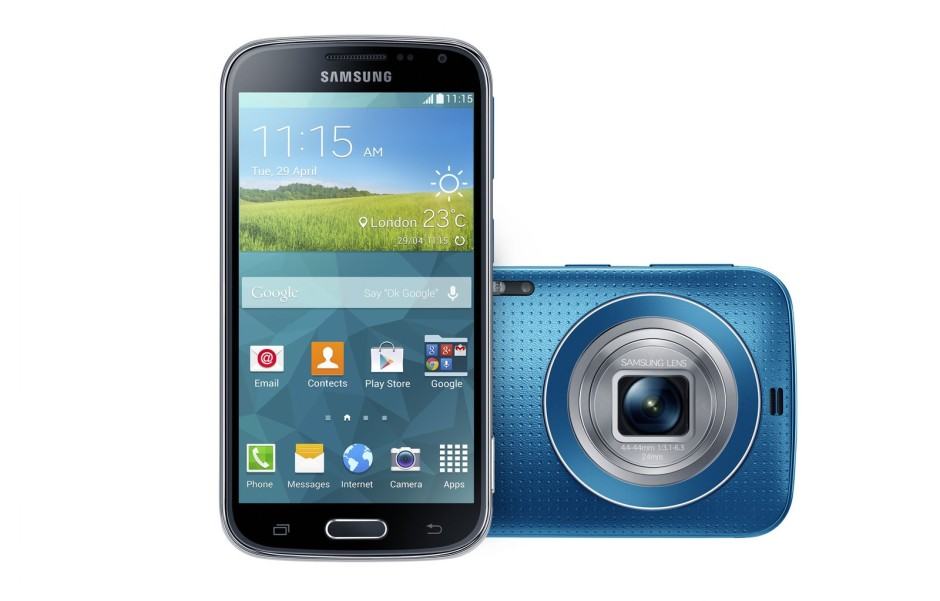
Meet Samsung's latest 'Camera-Specialized Smartphone'.

Meet Samsung’s latest ‘Camera-Specialized Smartphone’.

Over the course of the past few weeks, we’ve seen an awful lot of speculation and leaked images of the Galaxy K Zoom, but this afternoon Samsung put paid to that by finally unveiling the handset. It’s clear that the device is a successor to the South Korean company’s first camera/smartphone hybrid, the S4 Zoom, which launched in the summer of 2013, but sadly as you can see from the render above, it doesn’t look any prettier at all.

One-M8-back

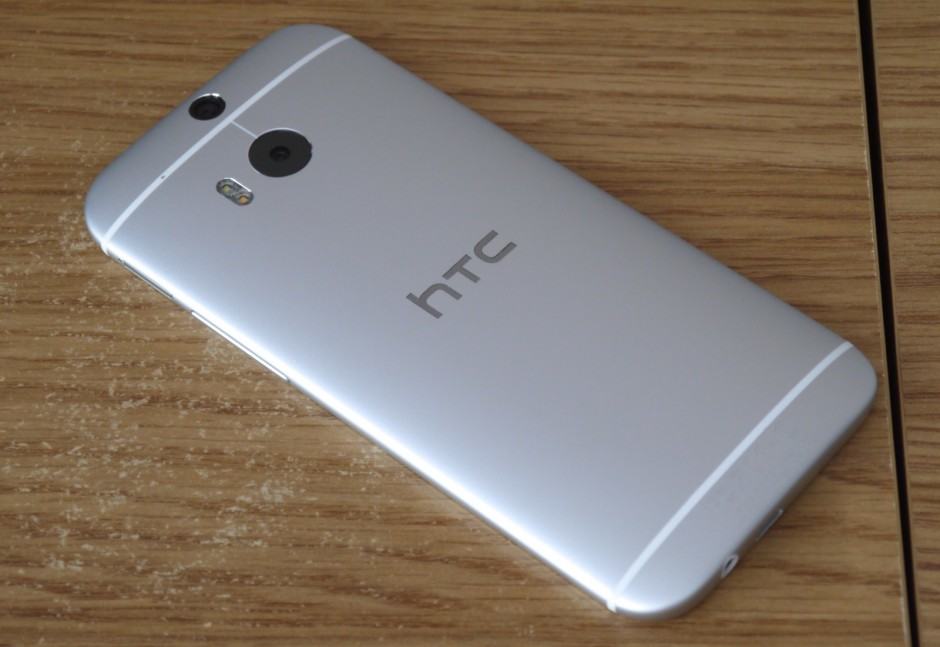
The new HTC One (M8) went on sale immediately after its announcement in the United States. Initial reports suggest that the handset is selling very well and it is looks like HTC might have finally hit the jackpot. Just like its predecessor, rooting the new HTC One (M8) is a pretty straightforward process if you know your way around ADB and Fastboot.

Before you start with the rooting guide below, keep in mind that the steps below will work with all the variants of the One (M8) that come with an unlockable bootloader. This means that owners of certain carrier branded US variants (hint: Verizon) of One are out of luck and need to look for other ways of gaining root access on their handset. 

Android-Gamepad

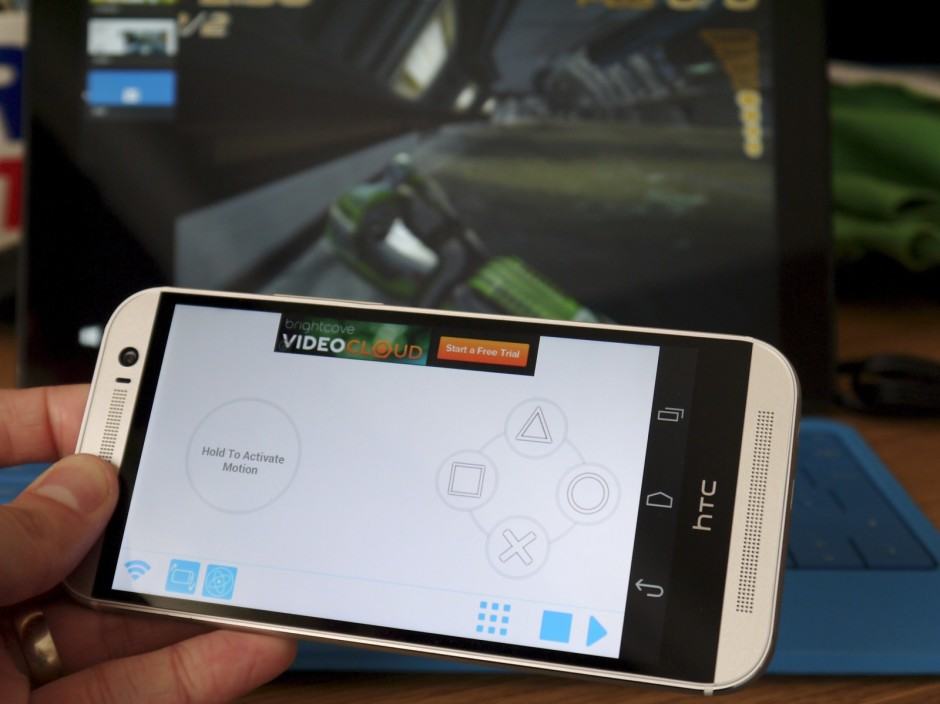
While certain PC games are a match made in heaven for a mouse and keyboard, there are genres that are much better suited to a gamepad. But who wants to carry a clunky gamepad around in their laptop bag when they’re on the go? Not me.

Instead, you can use a simple app to make a gamepad out of something we have in our pockets all day, every day — our smartphones. Mobile Gamepad is a great way to do that. It’s completely free, it’s easy to set up, and it has a bunch of unique features.

Next Page »