Posts tagged ice-cream-sandwich

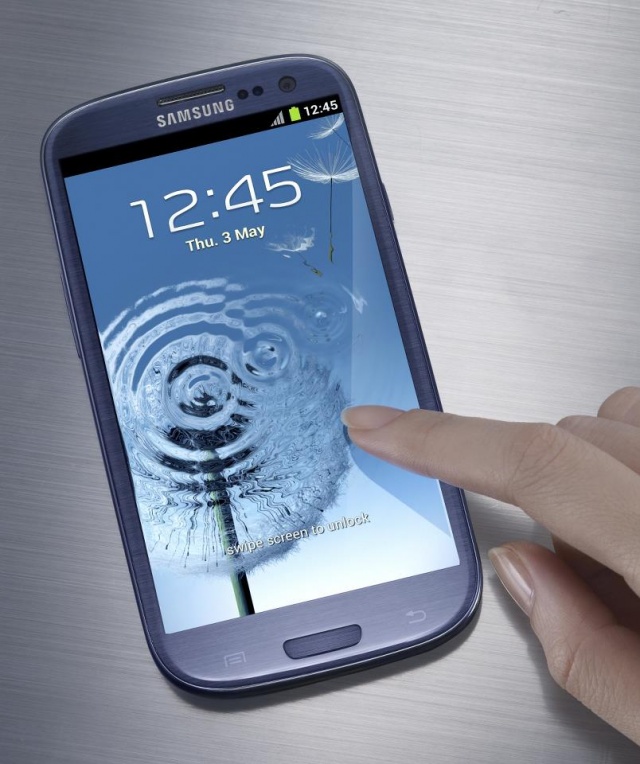
Now that the smoke has cleared, we can get a better look at the Samsung Galaxy S III and all it has to offer. First off, it’s a large device with a 4.85-inch display that almost puts it into the phablet category. It may be big but it’s still pretty thin and lightweight, measuring 8.8mm thick and weighing 133 grams. You’ll have two colors to choose from when deciding on the Samsung Galaxy S III: Pebble Blue and Marble White. The device’s design is described as that of a “smoothed pebble” and features rounded edges, a small bezel and glossy finish. It’s chock full of features — some old, some new — and will be available in Europe by the end of the month.
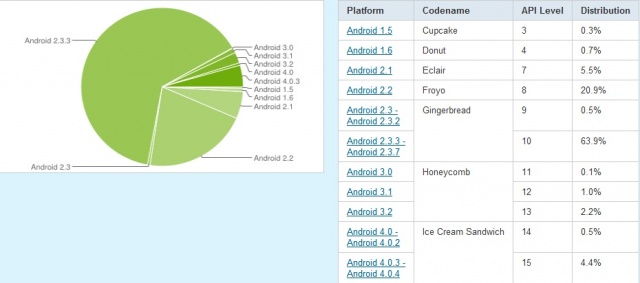
The latest Android distribution numbers are out, reminding us why we prefer Nexus devices. Although the number of Android 4.0 devices nearly doubled since last month, they remain embarrassing low. It’s been six months since Ice Cream Sandwich melted its way into our hearts yet only 4.9% of Android devices accessing the Google Play Store were running it.

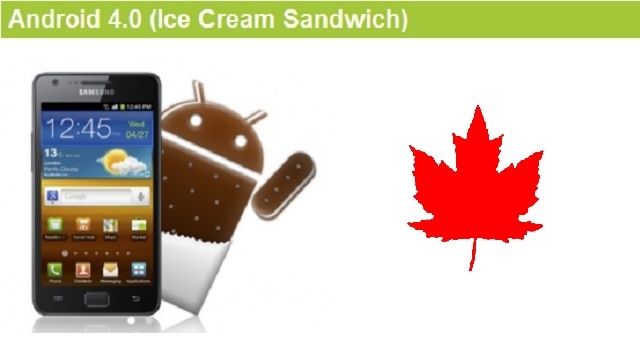
Our friends to the north received some good news from Samsung today. According to Samsung Canada, owners of select Galaxy devices will begin receiving their Android 4.0 updates starting today. A total of nine devices were listed in Samsung’s announcement and while only a few will see Ice Cream Sandwich today, Samsung will continue updating them all throughout the quarter. Owners of the following devices will at some point this quarter see Android 4.0:


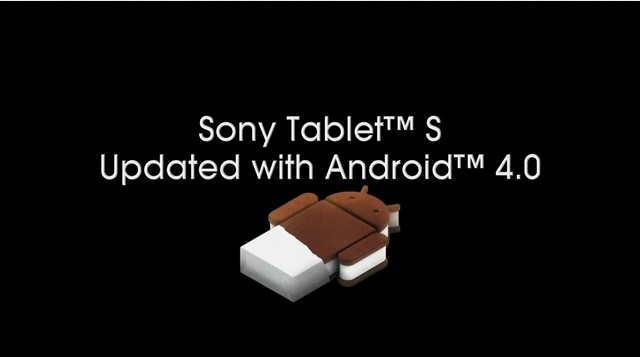
It looks like Ice Cream Sandwich will be getting a .000001% increase on the Android distribution chart thanks to Sony. Sony has announced the availability of Android 4.0 for their Tablet S and if you happen to be a proud owner of this uniquely designed tablet, you should have the update waiting for you the next time you connect to Wi-Fi. Sony highlights a few of the features Tablet S users will be gaining with the update to Ice Cream Sandwich:


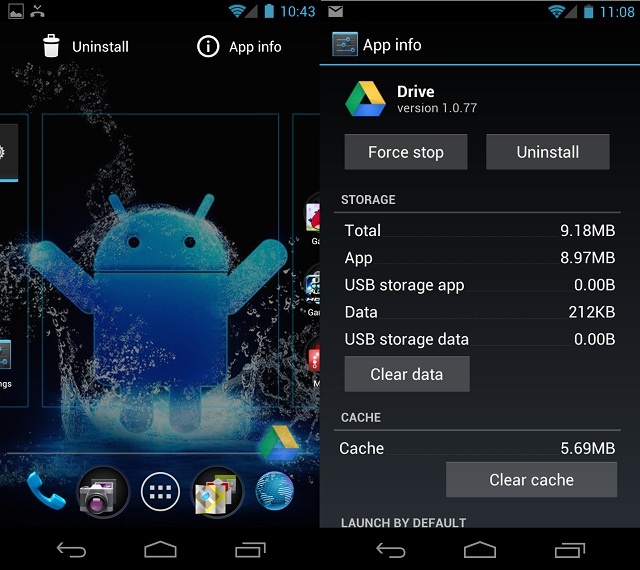
You’ve probably used the drag and drop method countless times and for countless reasons, but did you know with Android 4.0 you can control the majority of app related functions with that same simple gesture? That’s right, with a simple drag and drop you can:

  • Add/Remove an app shortcut to/from your homescreen/launcher
  • Add/Remove an app shortcut to/from a folder/group
  • Move/Arrange app shortcuts on homescreen
  • Instantly uninstall and app
  • Disable a pre-installed app
  • View information about an app
Next Page »