
New Guide Interface Comes To YouTube Android App, Mobile Web for iPad Users
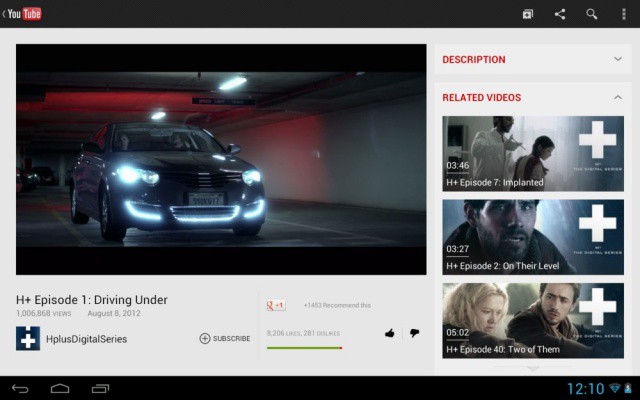
YouTube announced today that its Android app has been updated to match more directly with the recent updates to its web homepage. On the video host’s Google+ page, they noted that the YouTube app on an Android tabled has now included a Guide like the one recently introduced on YouTube proper. It allows you to access your favorite channels and discover new ones.
In addition, YouTube announced that the mobile website, available to iPad and other mobile users, will provide the same easy access to the Guide interface, letting you connect with your subscriptions and playlists as well as easier controls for sending video to your HDTV via AirPlay and other systems.
It’s only been a couple of days since YouTube redesigned it’s desktop website, trying to give its users better access to channels and other YouTube content, including professional videos found in the YouTube Original Channels, Machinima, and Maker Studios sections.
Ultimately, YouTube wants to make its service more like TV, giving users content that they can watch in longer and longer sessions on larger and larger devices and television screens. This is why the homepage has so much more content and much less search, as well as making channels more relevant to inividual users, helping them discover interesting stuff based on their likes and preferences. Not only does YouTube need to do this on the web, but on every other device, like Android tablets, iPads, and HDTVs.
- SourceYouTube Google+ Page
- ViaTechCrunch


