Posts tagged sms

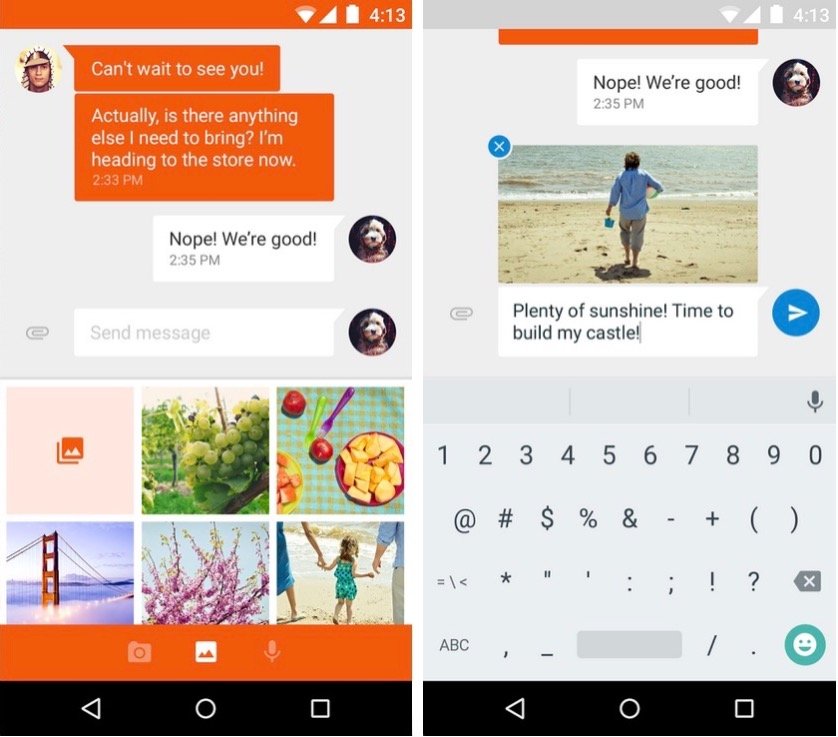
Google's new Messenger app looks awesome. Screenshots: Google

Google’s new Messenger app looks awesome. Screenshots: Google

Google’s given a fresh lick of paint to many of its own Android apps for Lollipop, while others have been completely rebuilt from the ground up. One of those is Messenger, which replaces the aging Messaging hub and breathes new life into traditional text messaging.

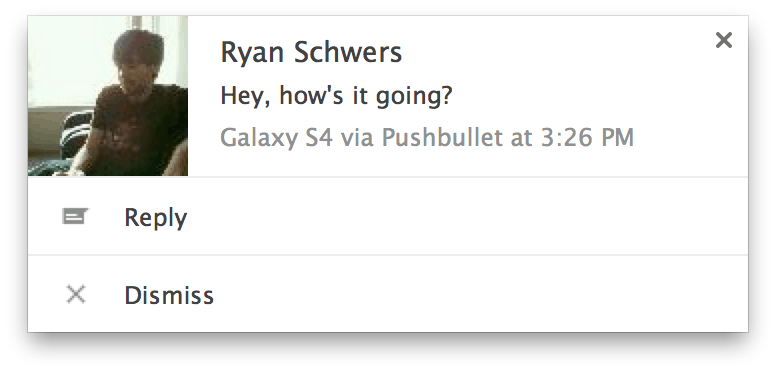
Quick reply for SMS right in your browser. Image: Pushbullet.

Quick reply for SMS right in your browser. Image: Pushbullet.

Pushbullet is one of those useful little apps that every Android device should be running — even more so following its latest update, which finally adds the ability to reply to text messages from your computer.

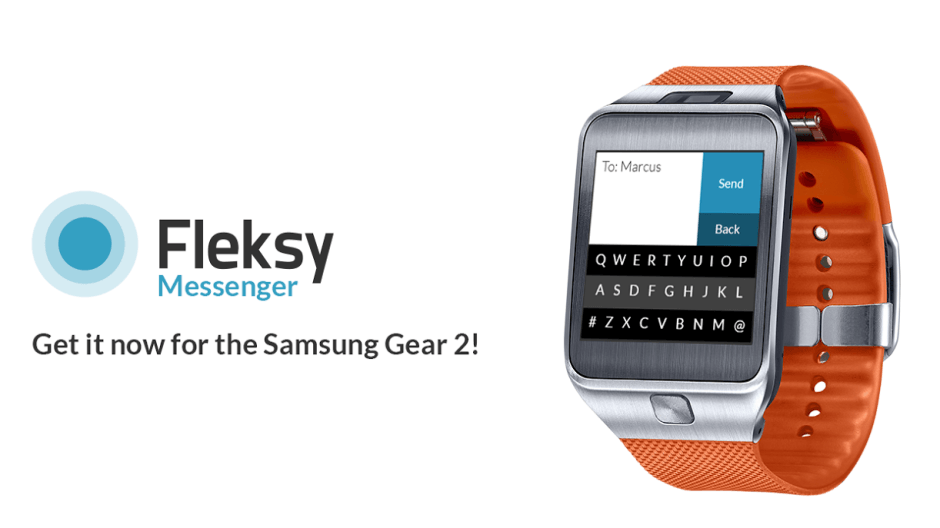
Fleksy-Messenger-02

Your Samsung Gear 2 tells you when you get incoming messages and lets you read them on your wrist — and thanks to Fleksy, you can now reply to them without pulling out your smartphone. The company has integrated its award-winning virtual keyboard into a new messaging app designed specifically for the smartwatch.

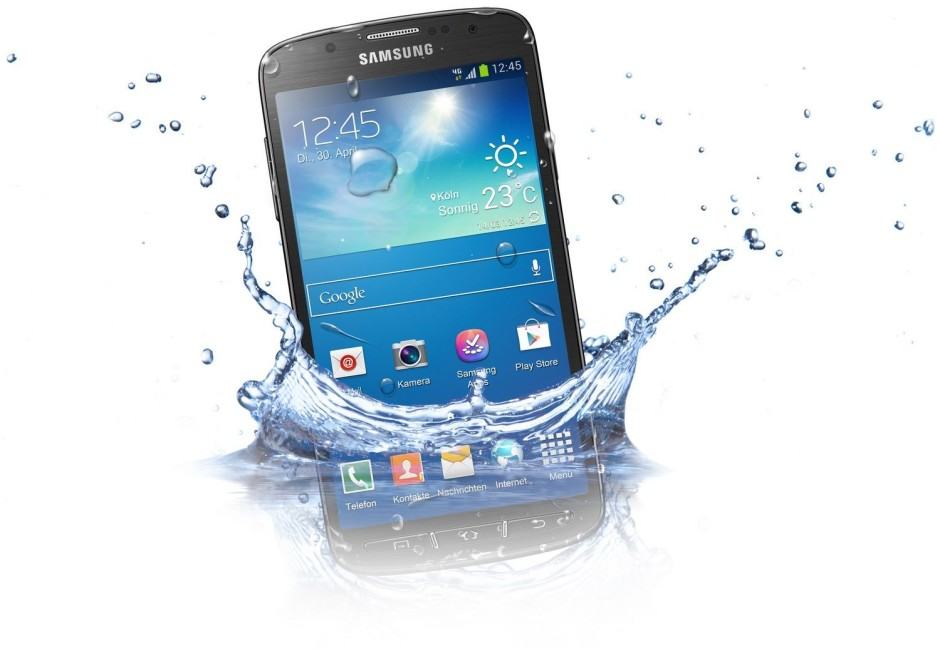
Galaxy-S4-Active-water

Samsung is finally bringing its Android 4.4.2 KitKat update to the international Galaxy S4 Active (GT-I9295), more than a month after it made its debut on the AT&T version. In addition to performance improvements and several design tweaks, this release adds support for wireless printing, the ability to change the default messaging app and launcher, and more.

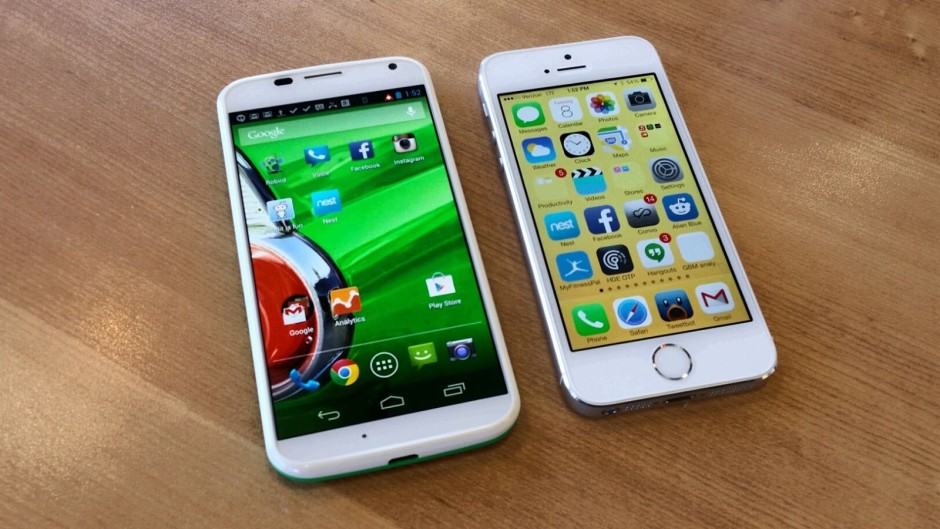
Moto-X-vs-iPhone-5s

Moto X vs iPhone 5s

Jumping from one mobile platform to another can lead to a lot of headaches initially — especially with respect to all your personal data. You won’t want to lose your contacts, calendar entries, and other important information, so it’s important that you transfer them properly.

If you’re thinking about dropping your iPhone for an Android — maybe because you realized you could pick up a flagship Android for less than the 8GB iPhone 5c — then our switching guides can help.

In this one, we’ll show you how to transfer your messages, contacts, and calendars from your old handset to your new one. On Friday, we’ll follow it up with a simple how-to on syncing your Android with your iTunes library, and how to transfer your photos and videos.

Next Page »