Posts tagged notifications

glasscamera

Google is in the process of developing and testing a new feature for Glass, the world’s most advanced piece of wearable technology. The recently developed experimental functionality is currently being rolled out to all Explorers via an OTA software update, once installed users will be able to view incoming notifications by simply glancing at the screen, instead of having to nod their head or tap  the touchpad whenever the traditional notification chime is heard.
PlayStation-App-friend-request

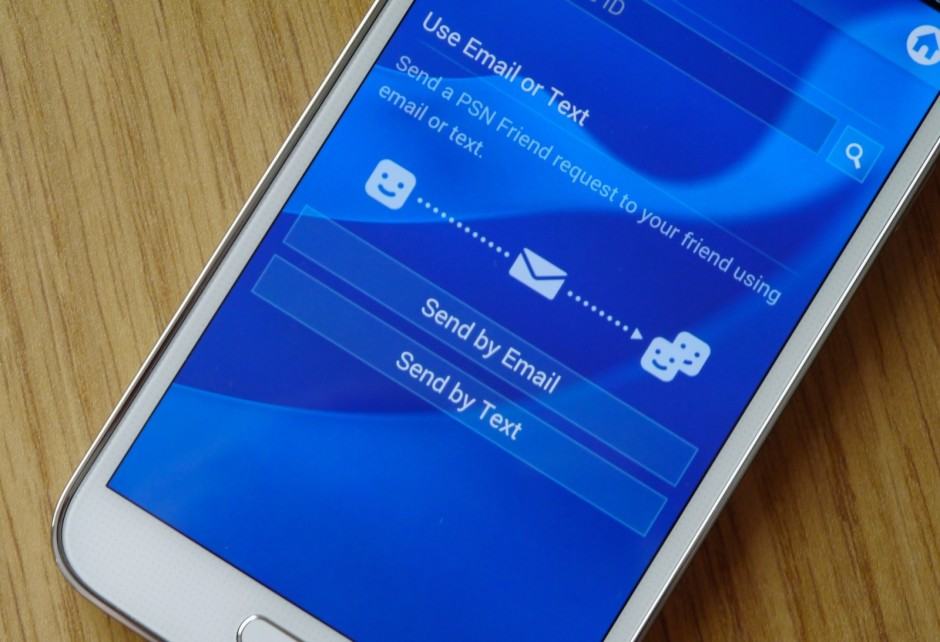
As much as I love my PlayStation, I’ll be the first to admit there are plenty of problems with the PlayStation Network. Messaging friends, for instance, is nothing short of painful — particularly on a PS3. Fortunately, Sony finally gave us the ability to chat via the official PlayStation App for Android and iOS.

And now that app finally supports notifications, meaning you’ll actually get an alert when you receive new messages and friend requests. You can also use photos saved on your phone as your profile picture, and send friend requests via SMS and email.

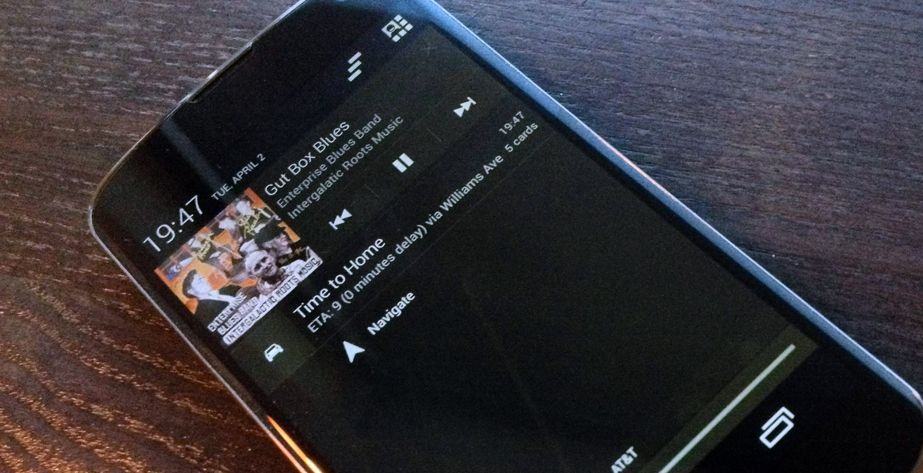
nexus-4-notifications

With Android 4.3 Jelly Bean, Google introduced a new Notification Listening API that allows third party apps to access all your notifications. This has allowed the developers of PushBullet to offer an extremely nifty option of mirroring all your notifications to your PC.

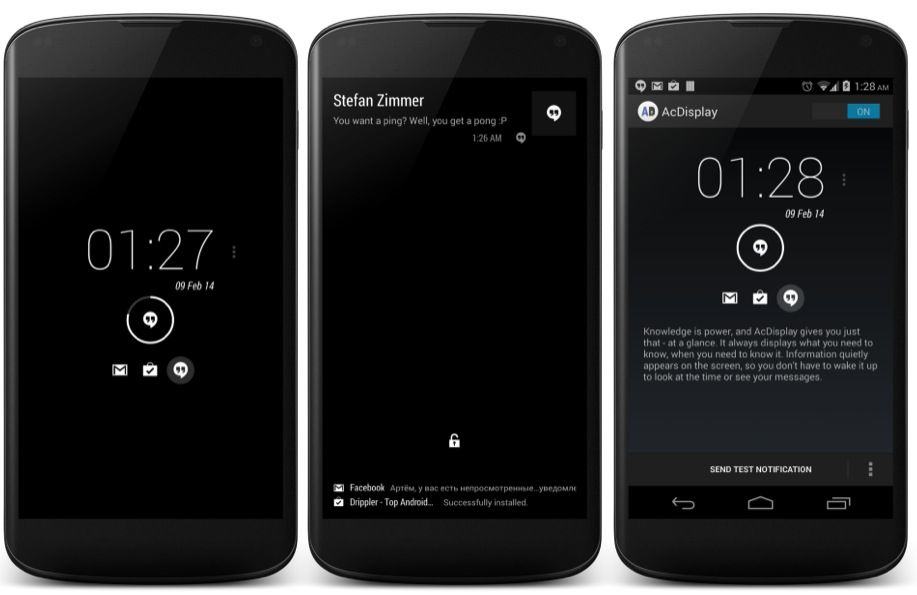
AcDisplay

Moto X owners will tell you that one of the best things about their smartphone is its Active Display feature, which offers a peek at incoming notifications from the lock screen. Unfortunately, this is exclusive to the Moto X — not even the Moto G has it — and Motorola won’t bring it to rival Android devices, for obvious reasons.

There are some nice alternatives for other Androids, though — such as AcDisplay, which is probably the closest we’ll get to Active Display on unsupported smartphones.

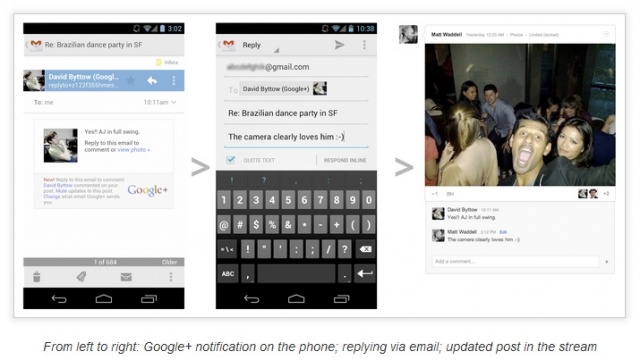
Google has remained highly committed to the Google+ experience and are continually pushing out new features to improve upon it. Today, they’ve added the ability to reply to Google+ notifications from within Gmail. This is a great feature that allows you to comment, share, and +1 without leaving your inbox. It can be tedious sometimes to receive an email notification and then have to open up the app or navigate to the web client just to +1 a comment. This new feature should boost user engagement and make for a more enjoyable experience.

Next Page »