Posts tagged flash

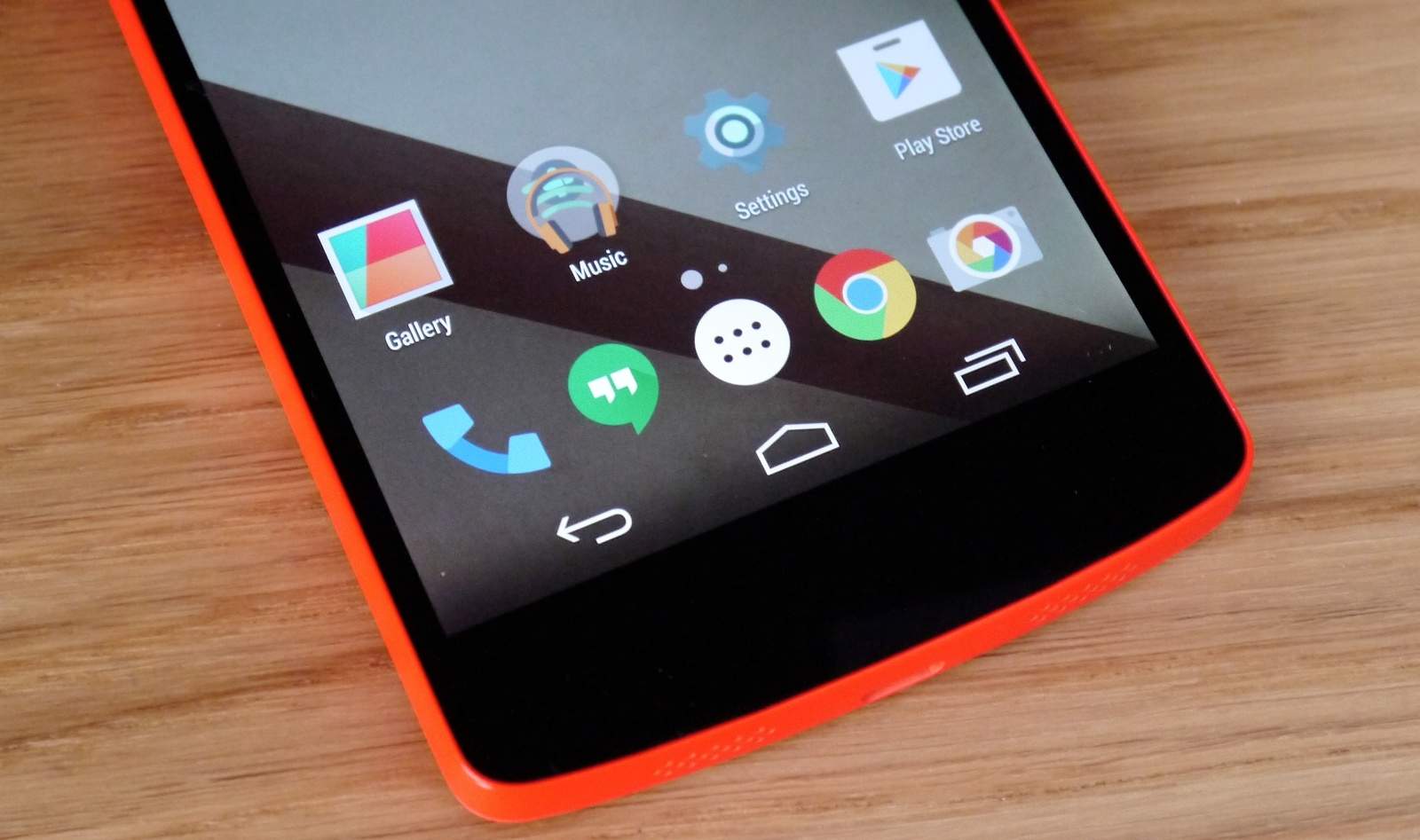
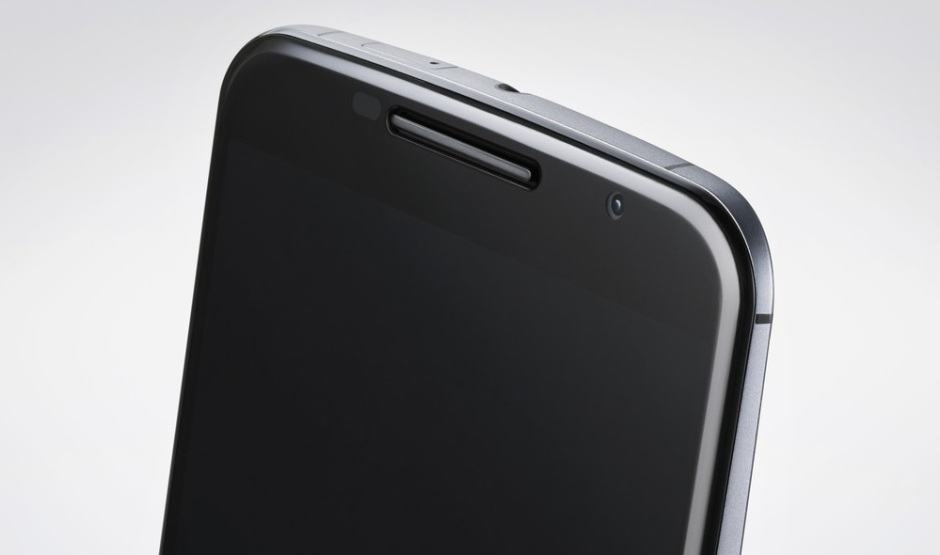
Android 5.0.1 comes to Google's latest Nexus handsets. Photo: Google

Android 5.0.1 comes to Google’s latest Nexus handsets. Photo: Google

Google’s latest Android 5.0.1 Lollipop update is now available for both the Nexus 5 and the Nexus 6. You can download it now either as a factory image or as an update package for manual flashing — or you can wait for Google to roll it out over-the-air to your device.


You can upgrade your Nexus 4 to Lollipop manually. Image: Cult of Android

You can upgrade your Nexus 4 to Lollipop manually. Image: Cult of Android

If you don’t want to wait another day for Google to roll out the Android 5.0 Lollipop upgrade for your Nexus 4, why not grab the firmware package yourself and flash it manually? The process is actually much simpler than it sounds; you don’t need to root your handset or unlock its bootloader, and all of your data will remain intact.

If you fancy giving it a go, check out the step-by-step guide below.

Lollipop extends its unofficial reach. Image: Google

Lollipop extends its unofficial reach. Image: Google

Early CyanogenMod 12 ROMs based on Android 5.0 Lollipop are now available for the OnePlus One and the HTC Desire 816, thanks to the development community. Both give users an early taste of the major changes and improvements that are baked into Google’s latest Android upgrade.

Android L on the Nexus 5. Photo: Killian Bell/Cult of Android

Android L on the Nexus 5. Photo: Killian Bell/Cult of Android

Can’t wait to get your hands on Android 5.0 Lollipop? You’re not the only one. But if you’re a Nexus 4 owner, you don’t have to wait. An unofficial Lollipop ROM is already available for the device, and almost everything works as it should.

Maximus-HD-42

Android 4.4.3 KitKat with Sense 6 is now available on the HTC One M7 via the Maximus HD custom ROM. The update also brings an updated kernel and the latest system apps — as well as improvements to audio, the camera, and battery life. As with all third-party ROMs, however, you’ll need a custom recovery and S-OFF to flash it.

Next Page »