Posts tagged email

CloudMagic is no longer completely free. Photo: CloudMagic

CloudMagic is no longer completely free. Photo: CloudMagic

CloudMagic has long been my favorite third-party email client on Android and iOS, thanks mostly to its excellent cross-platform support that makes managing email on different devices incredibly simple. But thanks to its latest update, some of the terrific features we’ve been enjoying for free for over a year are now going to cost $4.99 a month.

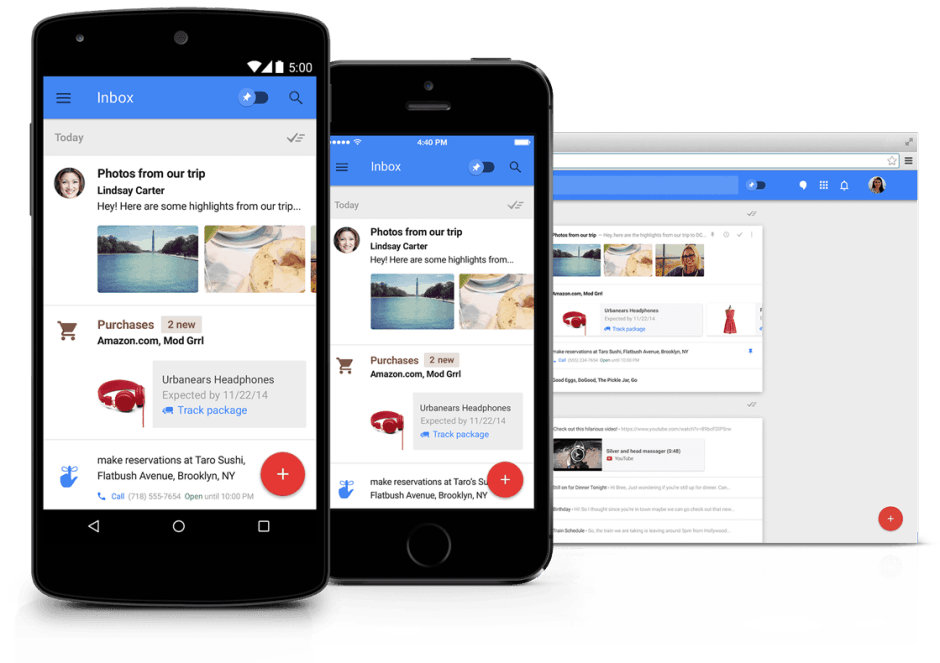
Invite your friends to use Inbox. Photo: Google

Invite your friends to use Inbox. Photo: Google

If you’re already using Inbox by Gmail, and your friends are always pestering you for invites, you can finally delivery. All Inbox users now have ten invites that they can share with whoever they want — so long as they’re using Gmail.

Google Inbox is available everywhere. Photo: Google

Google Inbox is available everywhere. Photo: Google

Still haven’t gotten an invite to try Google Inbox yet? Well, now’s your chance. Google is now handing out invitations to anyone who asks for them, but only until 12 p.m. Pacific today — so you’ll have to act fast if you want to bag one.

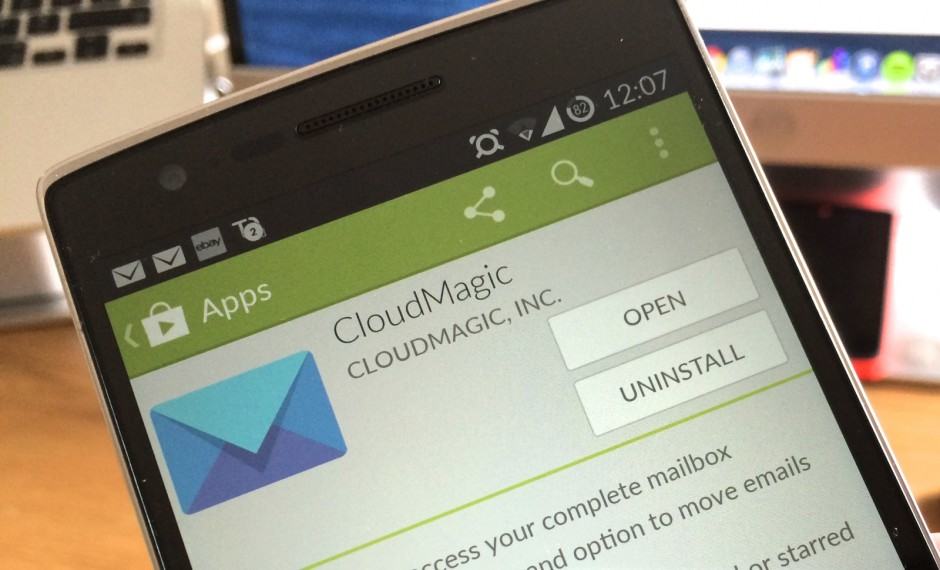
CloudMagic-Google-Play

CloudMagic, the best third-party email client for mobile, just got even better thanks to a major new update that’s available right now on Android and iOS. In addition to adding quick filters for things like unread and starred messages, the release brings customizable alert tones, account nicknames, access to spam folders, and lots more.

icloud-android

Believe it or not, but Android and iCloud can work together in perfect harmony.

Over the past few weeks, we’ve received a number of emails from readers who are either considering or already in the process of migrating from an iPhone or iPad enquiring if it’s possible to configure an iCloud account on an Android-powered device. The quick and simple answer to that question is yes, it is possible, but it can be a bit tricky — so we’ve decided to create this comprehensive ‘How-To’ guide.

So sit back, relax and follow the steps below to set up your iCloud email account on your Android smartphone or tablet. Before we start, though, you’ll need to open the stock Email client on your handset. The design of the application will vary depending on your particular device and the launcher you’ve chosen to use, but its overall function should be the same.

Next Page »