Posts tagged browser

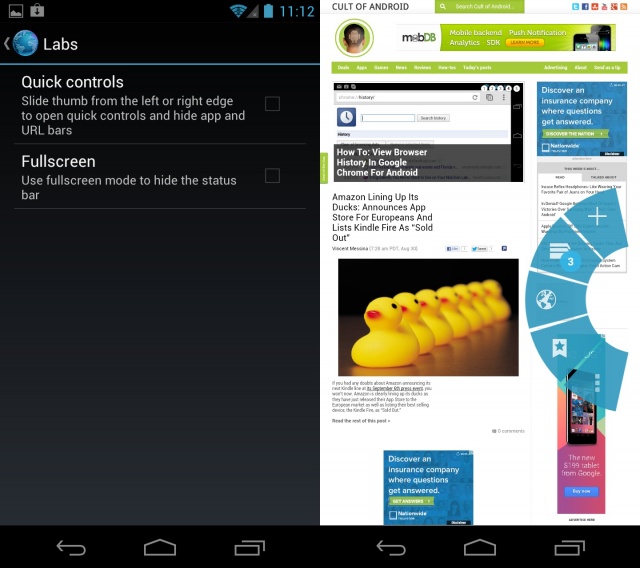
This next tip is specific to Android 4.0+ and the stock Android browser (not Chrome for Android). There are plenty of advantages and disadvantages to using the stock Android browser versus Chrome for Android. One advantage, many would argue, is the ability to use Quick controls. Quick controls for the Android browser were introduced in Android 4.0 and are exactly what the name implies — quick… controls.
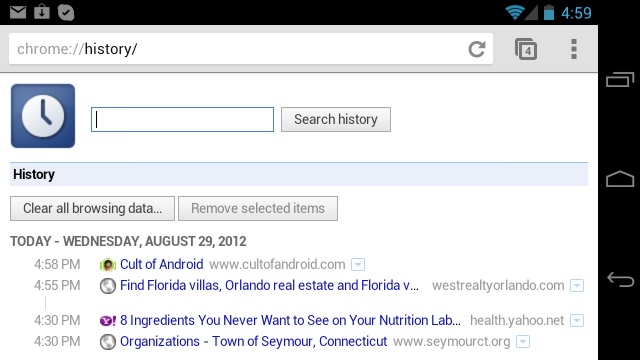
With the introduction of Google Chrome for Android, it became apparent that Google was going to replace its trusty mobile browser for the convenience of a single synced browser experience. Many Android users wondered why Chrome wasn’t the default browser to begin with, but nevertheless, they were happy to see Chrome available, and ecstatic to see it becomes the default browser with the introduction of the Nexus 7. I was one of the happy Chrome for Android adopters, and while its adoption has awarded me with numerous features, it has not been without its nuisances.

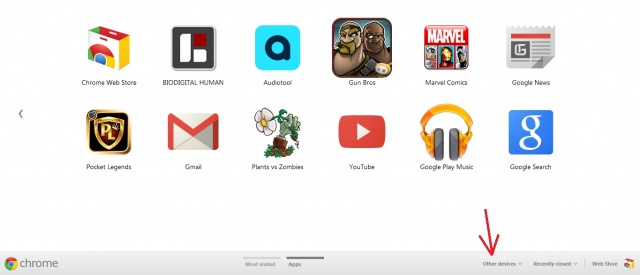
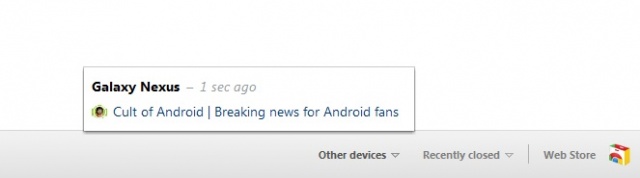
Today Google updated its Chrome browser and introduced the ability to sync tabs across multiple devices. The update, along with the tab sync feature will be rolling out over the next couple weeks so you may or may not see it right away. I was able to update Chrome on both my laptop and desktop, however, only my laptop received the tab sync feature. I was hoping to give you a hands on across all of my devices but since my desktop lacks the tab sync, I’ll be showing you how it works across my laptop and Samsung Galaxy Nexus using Chrome Beta for Android.

Google’s latest Stable release of Chrome now includes the ability to sync tabs across multiple devices. As long as you are signed into Chrome, you’ll now have the ability to take your tabs with you when switching between work, home, mobile (with Chrome for Android beta), etc. Accessing them is quick and easy thanks to the new “Other devices” menu located on the New Tab page, and even the back and forward buttons will work, allowing you to pick up browsing right where you left off.

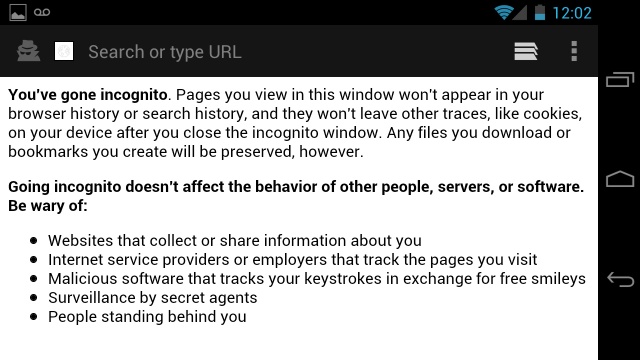
Sometimes we just want to browse the web incognito. Doesn’t really matter what the reason, it’s something we should have the option of doing. In previous versions of Android, this was not possible. In Android 4.0, Google was kind enough to add an incognito mode option to the browser. In case you are unfamiliar with what incognito mode is, it’s an option that allows you to browse the web without leaving a trail (see above image).

Next Page »