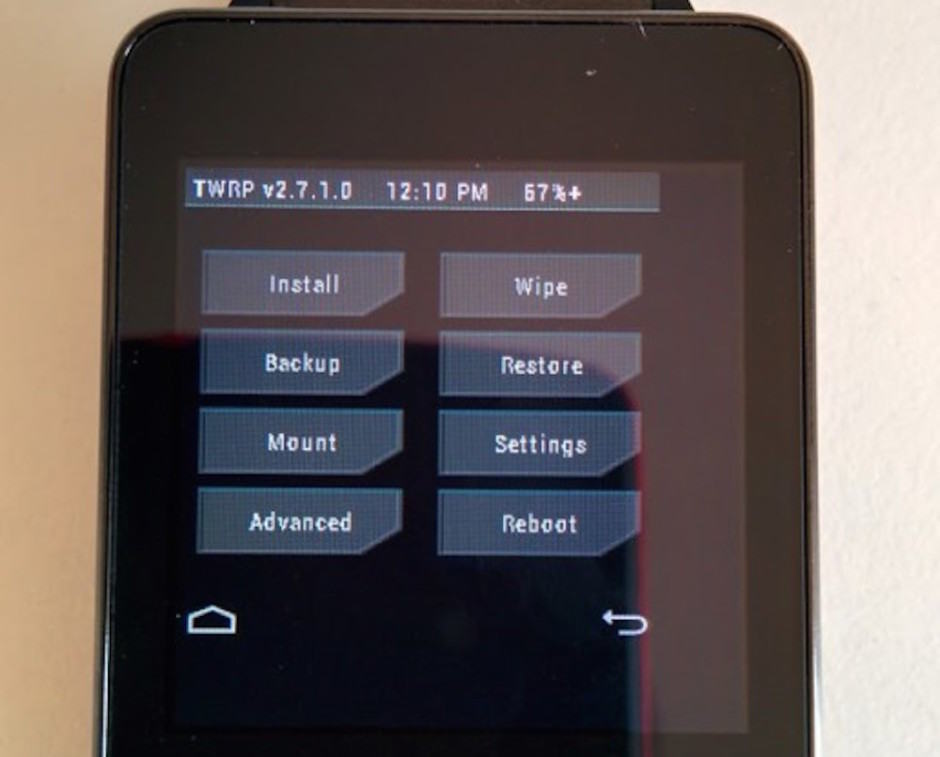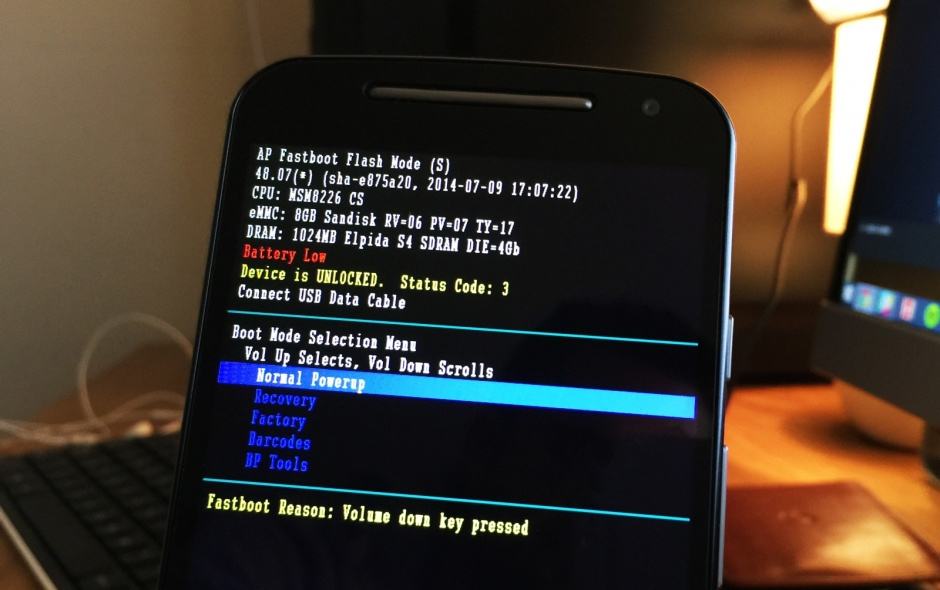
The Moto G in fastboot. Photo: Killian Bell/Cult of Android
Ready to install custom ROMs, recoveries, and other third-party tweaks on your 2014 Moto G? Then the first thing you’re going to need to do is unlock its bootloader. Fortunately, Motorola makes this incredibly easy — just follow the steps below to free your handset from its shackles.