Posts tagged notification

Periscope is finally available to all (except those on Windows Phone and BlacBerry). Photo: Periscope

Periscope is finally available to all (except those on Windows Phone and BlacBerry). Photo: Periscope

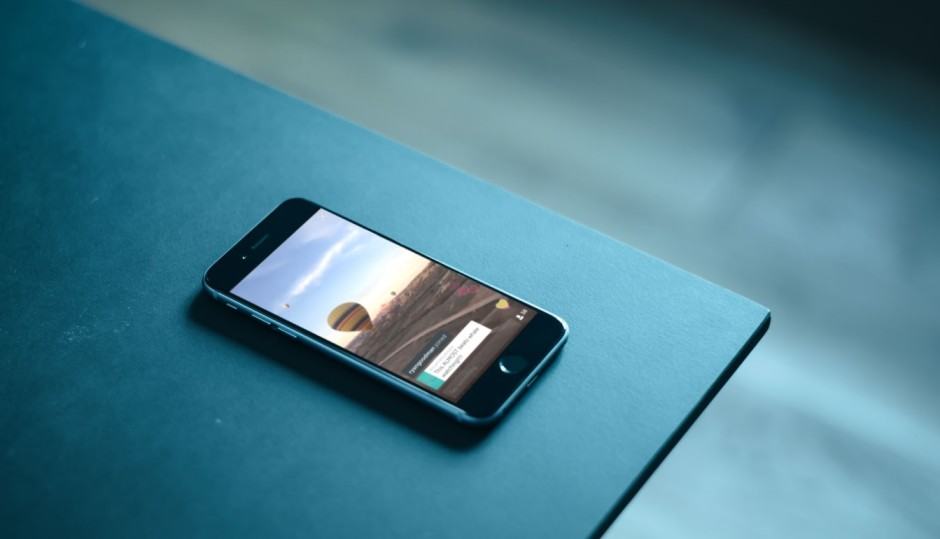
Periscope, the increasingly popular live-streaming app from Twitter, is now available on Android. We’ve had to wait two months for it to hit Google Play since making its debut on iOS, but Android users get to enjoy some brand new features iPhone owners don’t have.
clear-all-notifications-android-l

For today’s Tuesday Tweak, we’re focusing our attention on Popup Notifier, a very flexible and unique third-party notification service, which only launched for Android back in November, 2013. The app is currently only available to download on devices running Android 4.2 Jelly Bean and above, but compatibility is expected to be added for older versions of the open-source operating system sometime in the not-too-distant future.

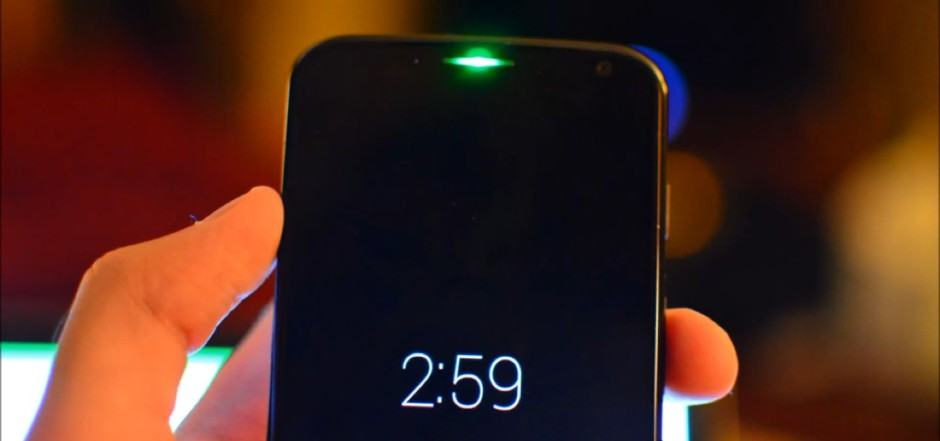
Moto-X-notification-LED

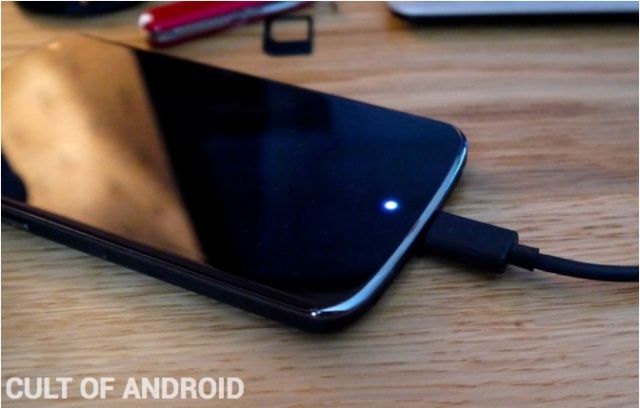
Most Android-powered smartphones bundle a front-facing LED as a visual aid to notify users of incoming notifications. This is particularly useful in situations where users are unable to have the sound activated on their handset.

Invariably this feature can be somewhat annoying, though, as a light flashes for each and every missed call, voicemail, email and text message received. You may not wish to be alerted every time one of these notifications arrives on your handset — so today we’re showing you how to manually select which notifications the LED flashes for.

Nexus-4-notification-LED

By default, many Android notifications make the same sound, so there’s no way to distinguish between emails, messages, and other alerts without actually waking your phone up and looking at them. But it doesn’t have to be like that.

With MegaSound, you can set custom notifications for individual apps, so you’ll know exactly what’s coming in without even having to touch your handset.

SlideLock-Nexus-5

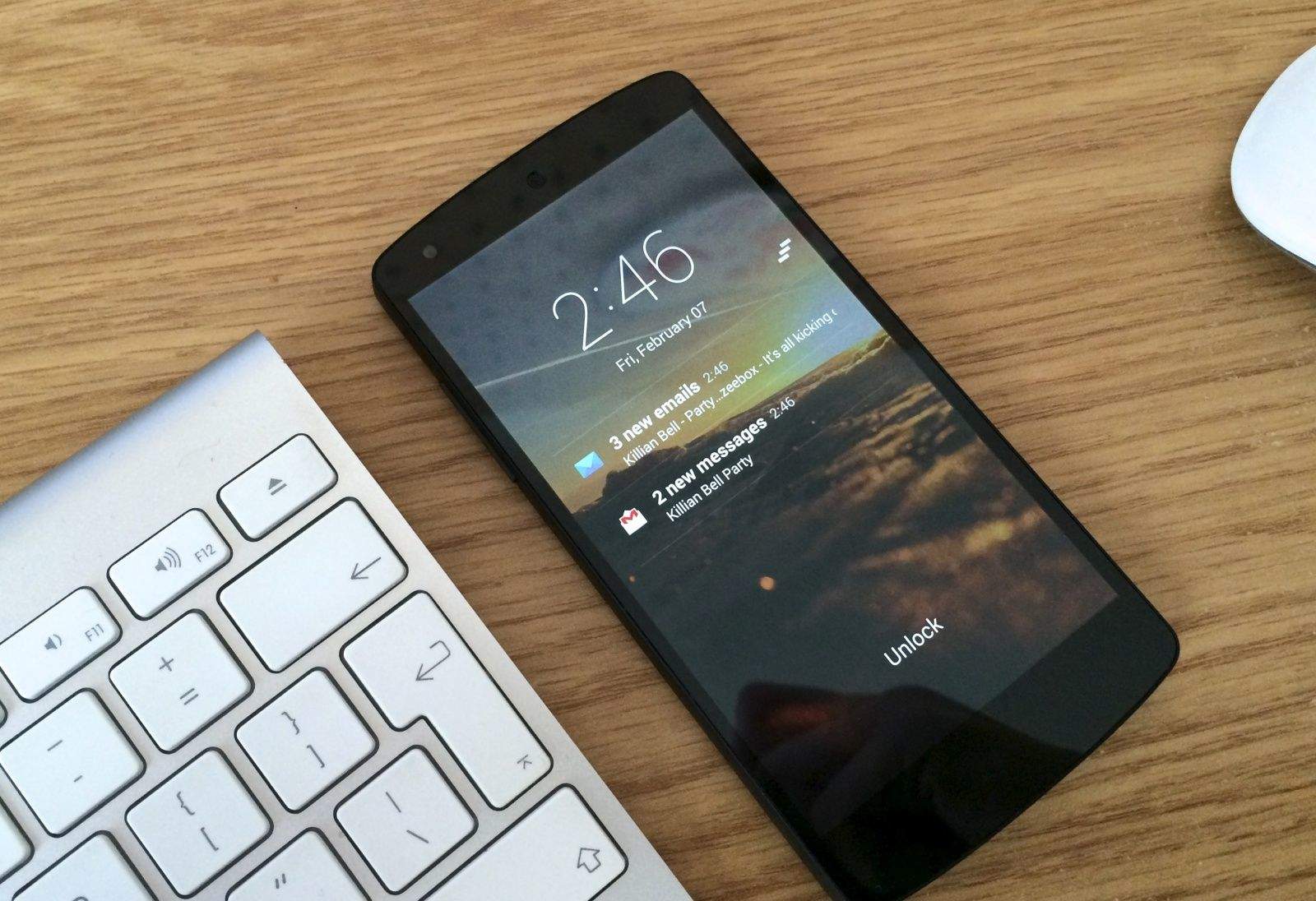
While Android’s notification system is far superior to the iPhone’s in almost every way, Google could certainly make some improvements to the way in which we receive alerts when our smartphones are locked. All we get with stock Android is a tone and a blinking LED.

Fortunately, there are some third-party solutions that offer a lot more. SlideLock displays iPhone-style notifications on your lock screen so that you can read messages and emails without having to unlock.

Next Page »