Posts tagged lock-screen

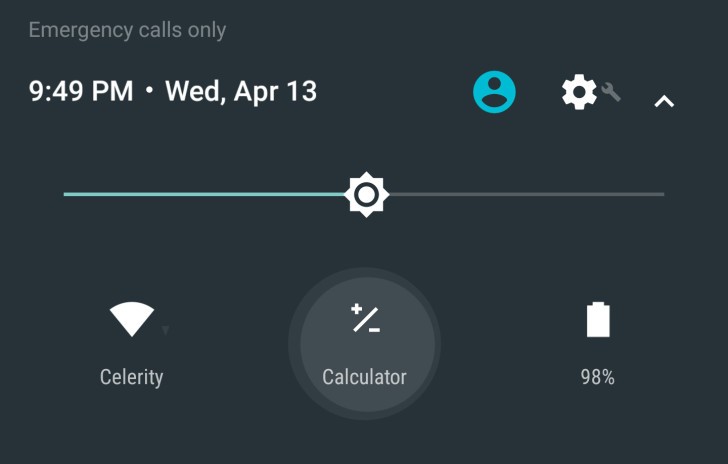
Android N's new Calculator shortcut. Screenshot: Android Police.

Android N’s new Calculator shortcut. Screenshot: Android Police.

When you need a calculator quickly to work something out, having to unlock your phone, open the app drawer, and find the calculator app can be a pain. But not in Android N, where the Calculator app is just a couple of taps away, and available on the lock screen.
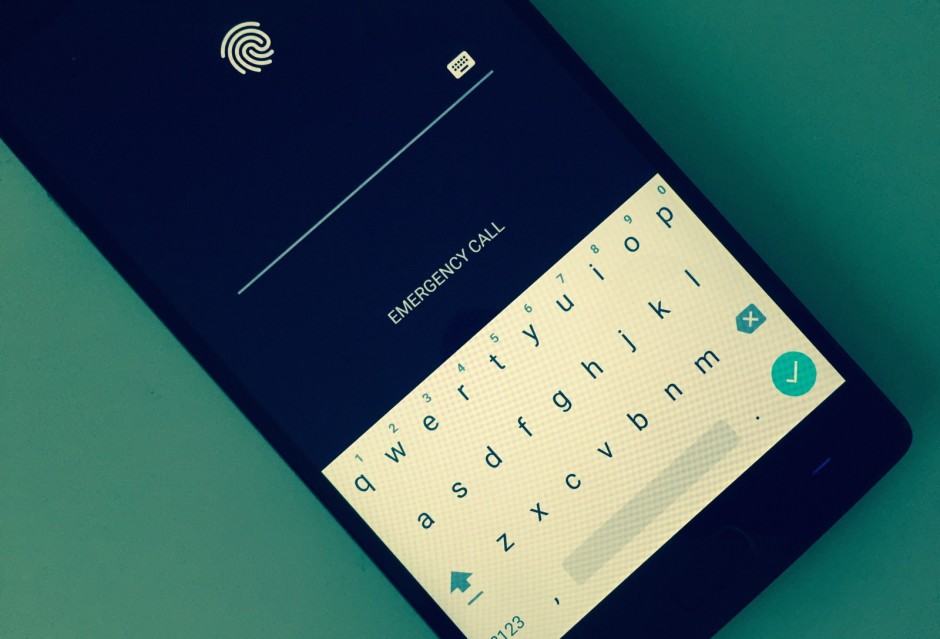
Don't rely on this. Photo: Killian Bell/Cult of Android

Don’t rely on this. Photo: Killian Bell/Cult of Android

Securing your devices with a password prevents other people from gaining access to your personal data, but thanks to yet another vulnerability in Android, you can no longer rely on that.

Researchers have discovered a new method of unlocking protected smartphones and tablets running Android 5.0 Lollipop and above without entering their passwords.

SlideLock-Nexus-5

While Android’s notification system is far superior to the iPhone’s in almost every way, Google could certainly make some improvements to the way in which we receive alerts when our smartphones are locked. All we get with stock Android is a tone and a blinking LED.

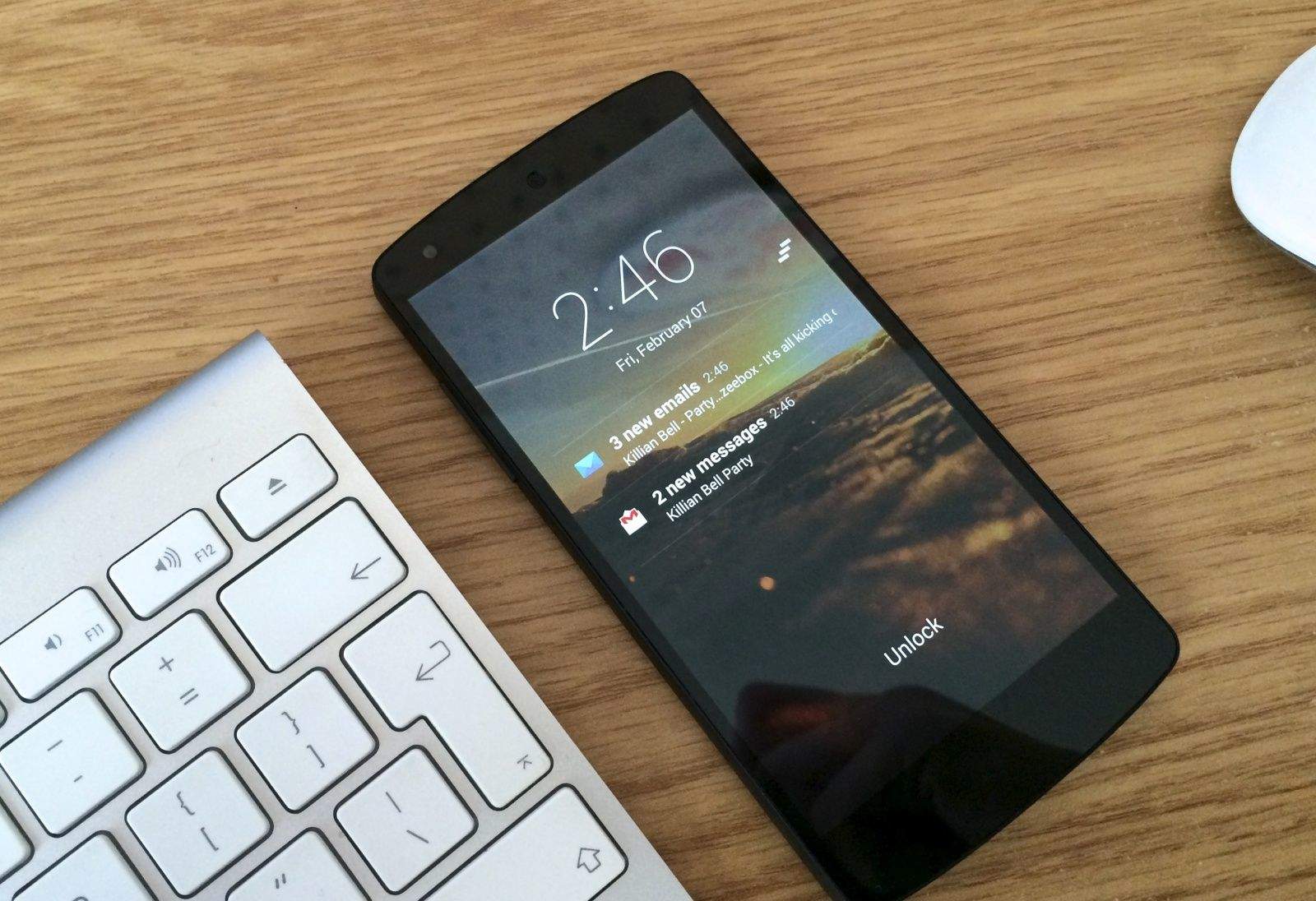
Fortunately, there are some third-party solutions that offer a lot more. SlideLock displays iPhone-style notifications on your lock screen so that you can read messages and emails without having to unlock.

owner-info-lock-screen

If you’re a forgetful smartphone owner who likes to leave their device in cabs and coffee shops, then why not make it easier for people to return your handset to you by adding your contact details to the lock screen? It’s quick and easy to do, and it’s a feature that built right into Android, so you don’t even need a third-party app.

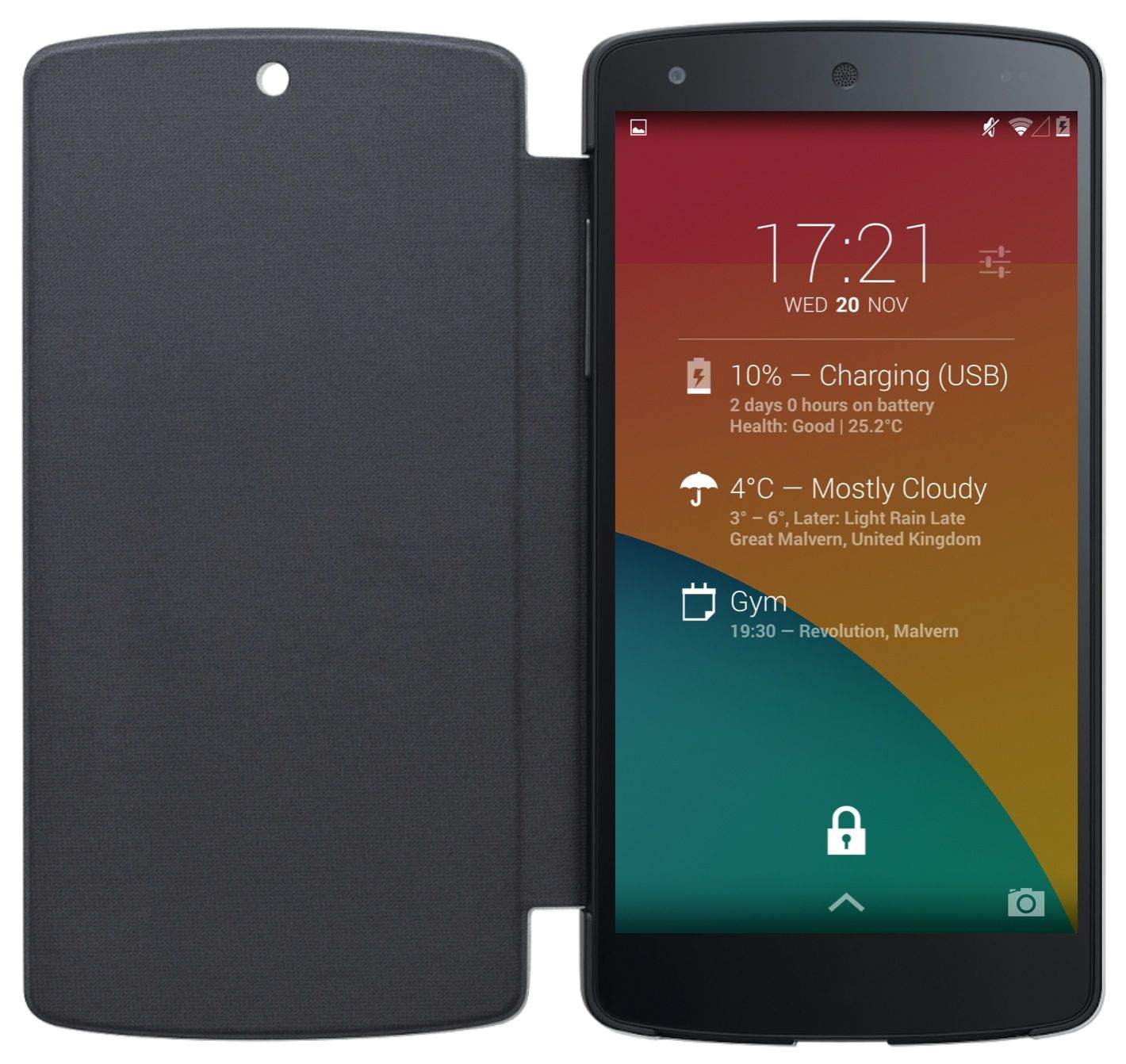
Nexus-5-lock-screen-widget-DashClock

Lock screen widgets were first introduced to Android last November with Android 4.2 Jelly Bean, but in Google’s latest KitKat release, they’re disabled by default. But don’t worry — they haven’t been killed off altogether; you just need to enable them again if you want to use them.

Here’s how.

Next Page »