Google’s Play apps for Android are all getting a fancy new icon. The makeover brings a consistent look to the entire the entire family, and users can expect to see them on their Android devices in the coming weeks.
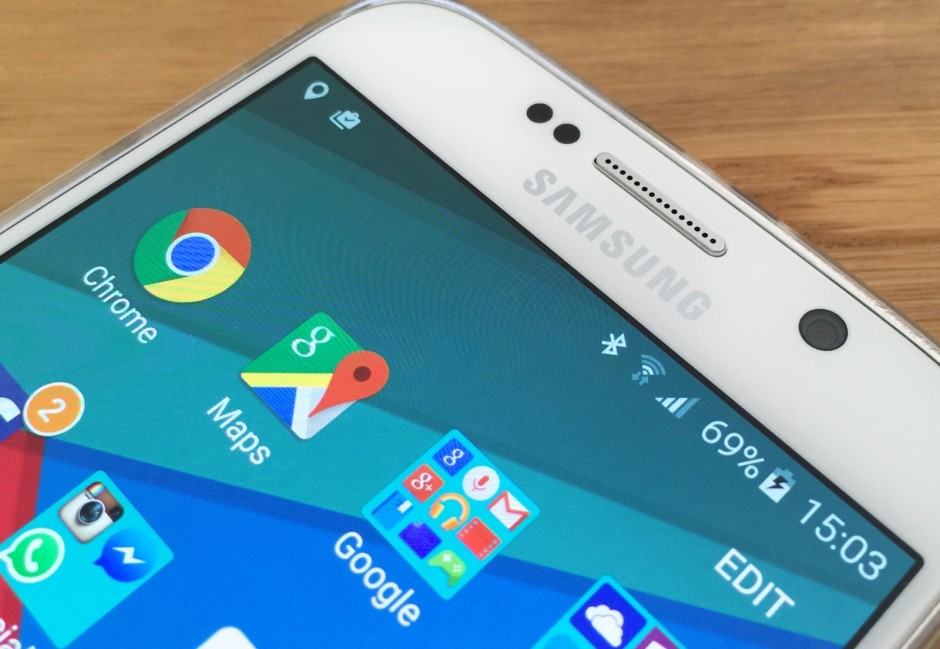

It’s easy to make the battery percentage disappear. Photo: Killian Bell/Cult of Android
If you don’t need to see a battery percentage in your status bar and feel it’s taking up too much space, you can hide it on your Galaxy S6 and S6 edge. Samsung doesn’t make this totally clear, but it’s a simple process that will take you less than a minute.
Here’s how.

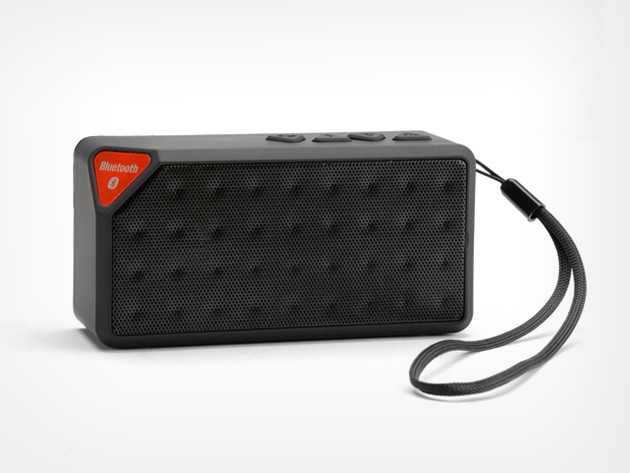
With 4 hours of playback time, the Icon will keep your tunes rolling and calls streaming straight from your iOS or Android device. It’s conveniently compact and portable so you will never be without a soundtrack while on the go, and thanks to Cult of Android Deals, you can get yours with 80% off.
![]()
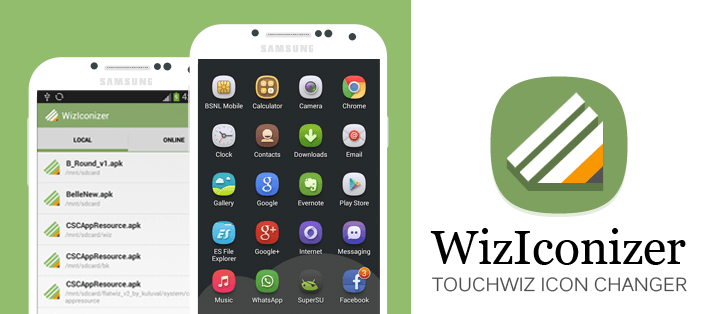
Changing your app icons on Android is as easy as installing the right third-party launcher and a new icon pack. But what if you don’t want to use a third-party launcher? If you have a rooted Samsung device running a TouchWiz ROM, then you can use a simple app called WizIconizer to replace your stock icons with new ones.
![]()
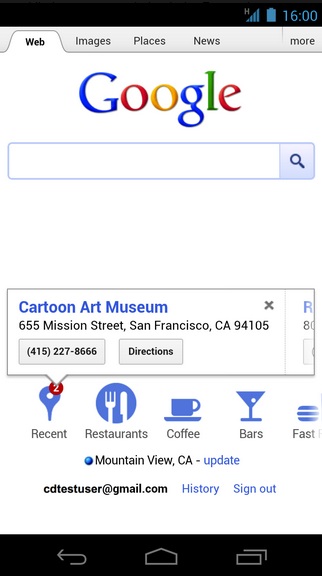
Android and iOS users will now be able to quickly access the places they have searched for on Google thanks to Google’s new “Recent” icon on their mobile search page. Any user who has Web History enabled and is logged into Google when searching for a place will have that search saved and accessible via the “Recent” icon. Searches will be saved for approximately 24-hours and will give users the convenience of starting searches from their desktop and later pulling up that information while mobile.