As the technology around us gets smarter, many fear it will turn against us. That nightmare comes true in this parody ad for Google’s self-driving car, which mows down poor pedestrians as it tears down the streets of Los Santos.
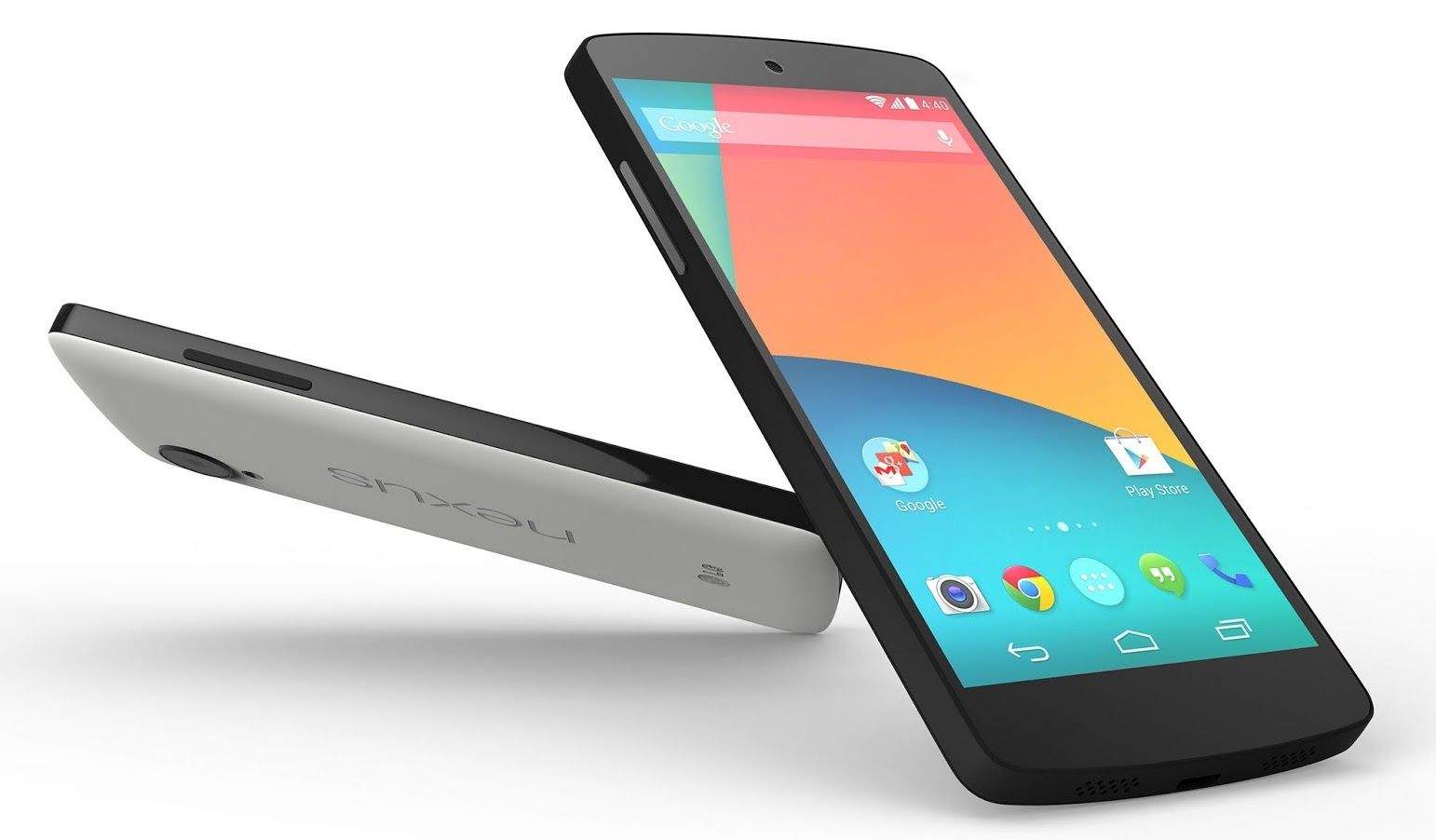
Like the new Nexus 5X, 32GB of internal storage was the most you could get with the Nexus 5. But 18 months on, that’s just not enough for some people — and there’s nothing you can do about it without a microSD card slot. Except one thing.
With the right tools, an incredibly steady hand, and plenty of courage, you can whip out the storage chip that’s inside your Nexus 5 and replace it with a bigger one — as you’ll see in the hack below.

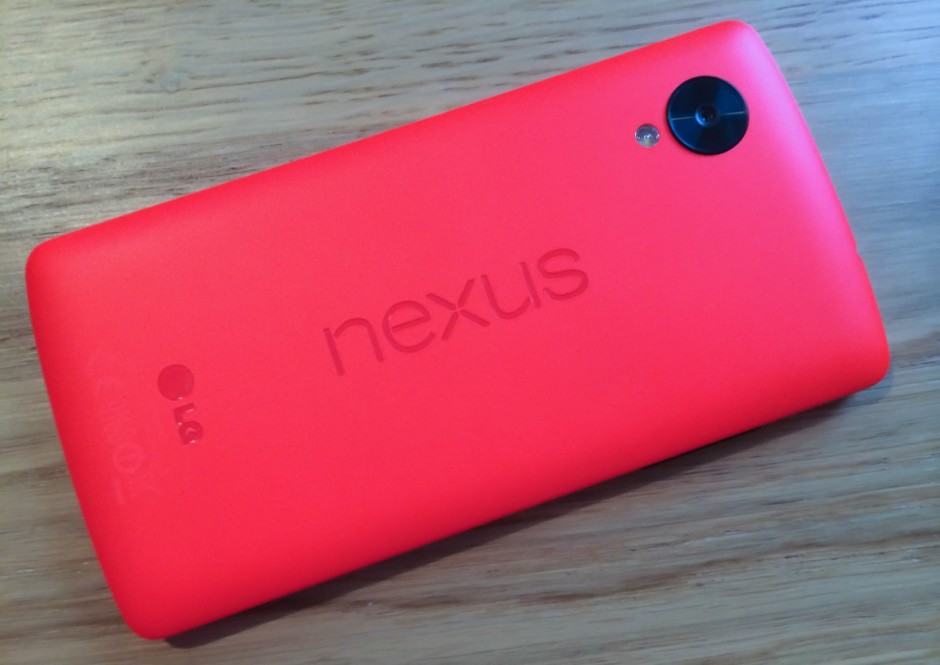
A Nexus 5 with expandable storage? It’s possible. Photo: Killian Bell/Cult of Android
Need more storage for your Nexus? Google’s latest models don’t have an expandable storage option, unfortunately — but that doesn’t mean you can’t add your own.
One Nexus 5 owners has proven it’s possible to add a microSD card slot to the device that’s fully supported by Android 6.0 Marshmallow.

Don’t rely on this. Photo: Killian Bell/Cult of Android
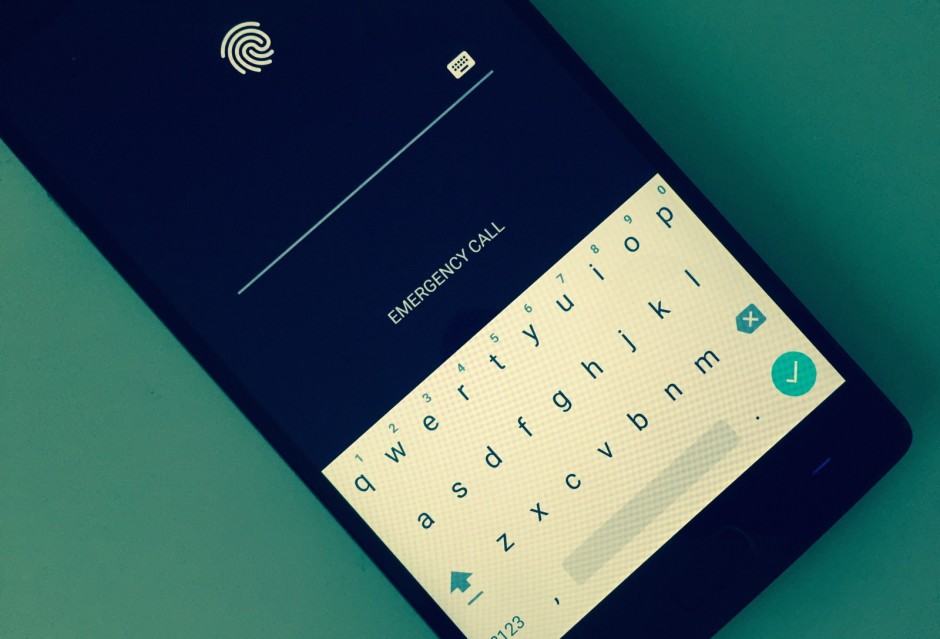
Securing your devices with a password prevents other people from gaining access to your personal data, but thanks to yet another vulnerability in Android, you can no longer rely on that.
Researchers have discovered a new method of unlocking protected smartphones and tablets running Android 5.0 Lollipop and above without entering their passwords.

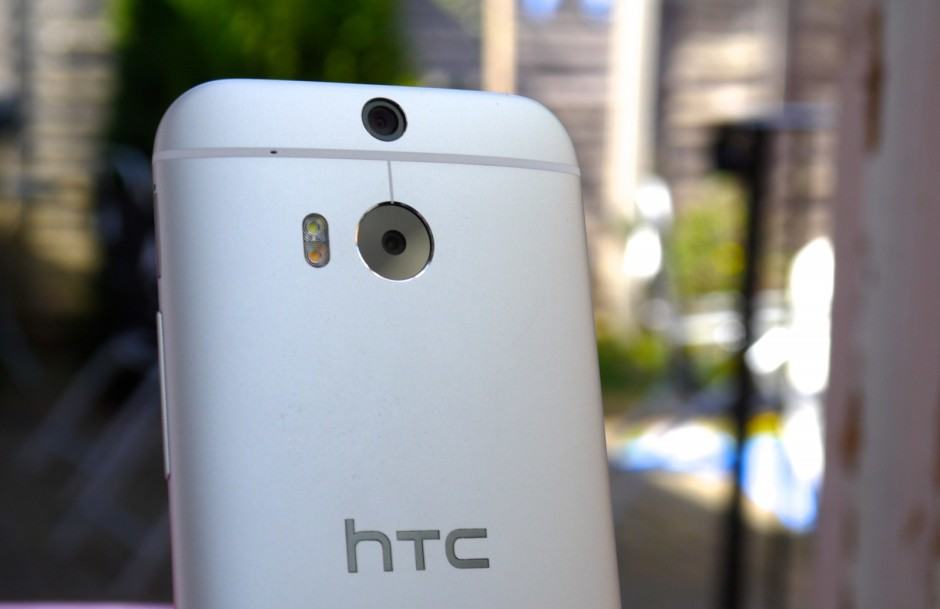
Stagefright fixes are coming to the One M8. Photo: Killian Bell/Cult of Android.
AT&T has begun rolling out patches for the dreaded Stagefright vulnerability for customers with an HTC One M8 or One M9. It’s a small update that won’t take long to download or install, and we recommend you grab it as soon as you can.