Posts tagged guide

Find out what Marshmallow will bring to your Galaxy. Photo: Google

Find out what Marshmallow will bring to your Galaxy. Photo: Google

Unless you live in South Korea or Poland, you won’t have received a Marshmallow update from Samsung yet. But thanks to this leaked employee guide, you can learn all there is to know about the company’s latest software upgrade before it hits your handset.
Display modes on Samsung Galaxy Note 4

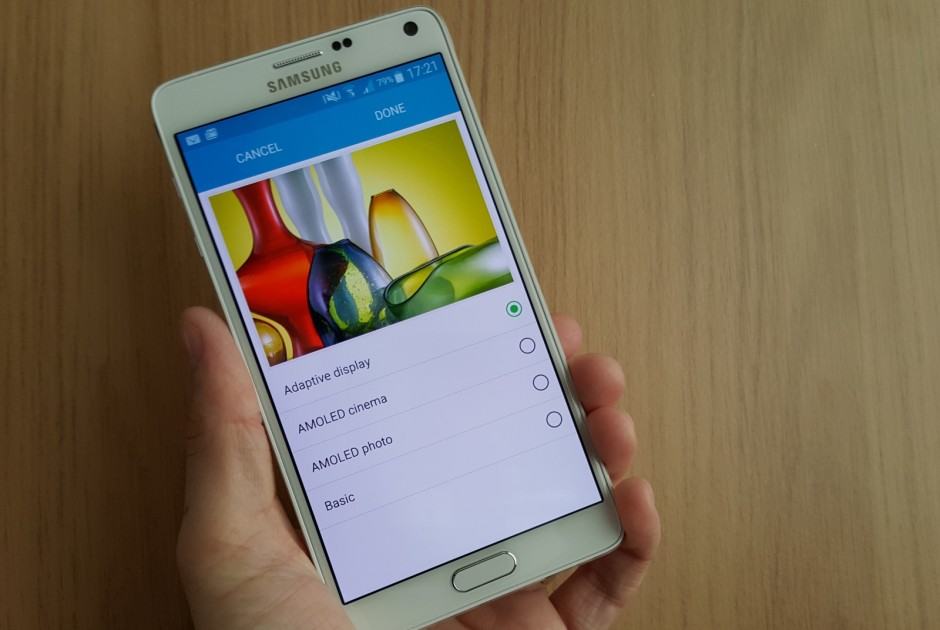
These aren’t the only display modes available on some Samsung Galaxy devices. Photo: Killian Bell/Cult of Android

Samsung is famous for its over-saturated Super AMOLED displays, but for those who prefer a more natural look, there’s a hidden display mode that’s super easy to activate. It’s available on more recent Galaxy devices like the Galaxy S6, S6 edge, and Note 4, and you don’t need root access to enable it.

Here’s how to find it.

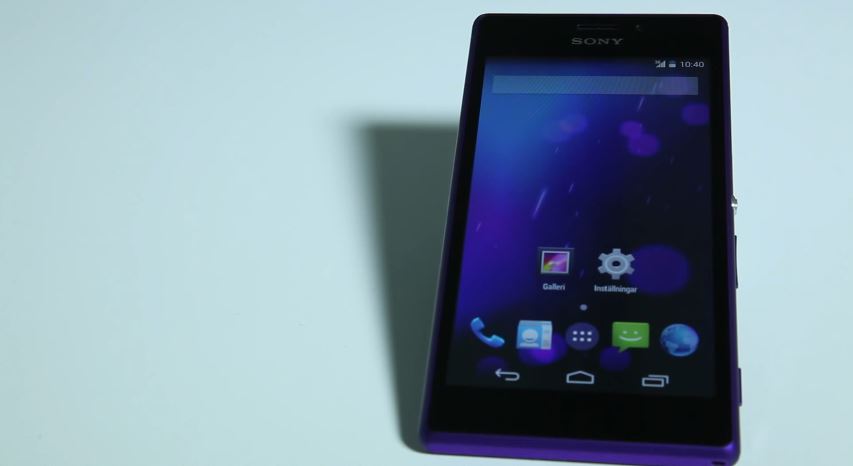
A Sony Xperia Z2 running pure Android. Screenshot: Cult of Android

A Sony Xperia Z2 running pure Android. Screenshot: Cult of Android

While most smartphone makers work to make it as difficult as possible to unlock their bootloaders, Sony is one of a small few that almost encourages it. The Japanese company is so supportive of the modding community, in fact, that it has just published a how-to video that walks users through the unlocking process on Xperia smartphones and tablets.

Available now from Play Books. Screenshot: Cult of Android

Available now from Play Books. Screenshot: Cult of Android

Lollipop is the biggest Android upgrade we’ve seen in years. Not only does it add new features, but it also makes some significant changes to existing ones, and introduces a very attractive Material Design makeover. It’s is so significant, in fact, that it may take a bit of getting used to.

Google’s hoping to make that process easy with a free Quick Start Guide that’s available to download now from the Play Store.

KitKat 10

Custom launchers are immensely popular amongst the rapidly-growing Android community. They enable us to completely customize and personalize our smartphones and tablets. Previously, switching between them had always been a bit of a long and tedious task.

One of the alterations Google has now introduced in its most recent KitKat update is the ability for users to change their default launcher much more easily due to the newly-implemented menu, which is housed in the default settings application of every Android device.

Next Page »