
Manually Install Google’s Latest Android 4.2.2 Update [How-To]
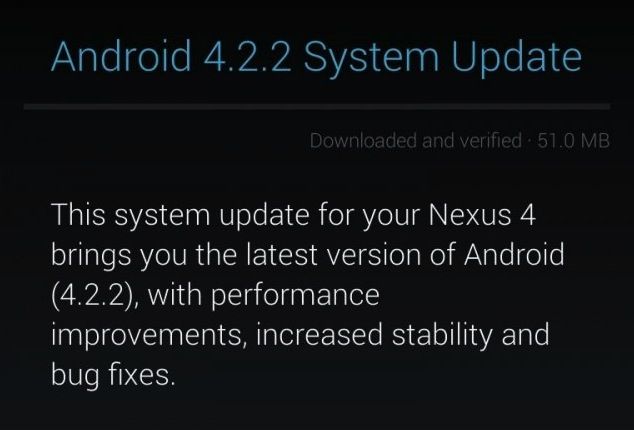
A couple of days ago, Google started rolling out the Android 4.2.2 Jelly Bean update for the Galaxy Nexus, Nexus 7 and Nexus 10, with the Nexus 4 joining the list today. The update is being rolled out over-the-air, so it can take up to a couple of weeks or more for it to be available on your Nexus device.
If you have root access, you can easily install the update manually. If not, you can try to pull the update manually from Google’s server. Depending on your region and your luck, you might just be able to manually initiate the OTA update on your Nexus device. Here are the steps you’ll need to give it a go.
Before you try the steps mentioned below to manually pull the OTA update from Google’s server, make sure you have not modified the stock experience on your Nexus 4 by installing any kind of custom ROMs or kernels. Also, keep in mind that the steps below are not intended for the Verizon or Sprint Galaxy Nexus, since the updates are not being rolled out to these handsets yet.
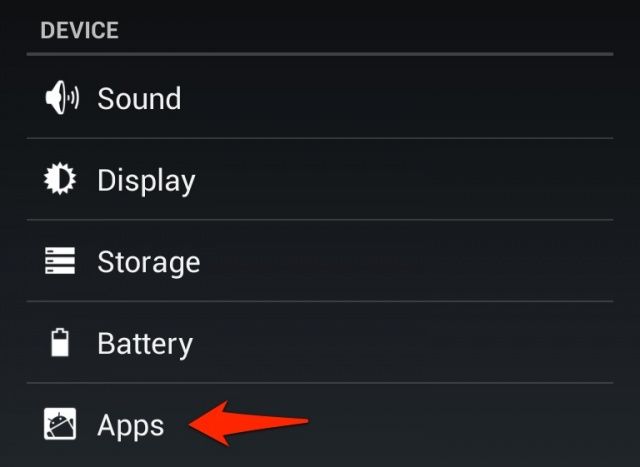
1. Navigate to Settings → Apps on your Nexus 4, Galaxy Nexus or the Nexus 7/10. Swipe to the right and head over to the “All” tab inside Apps.
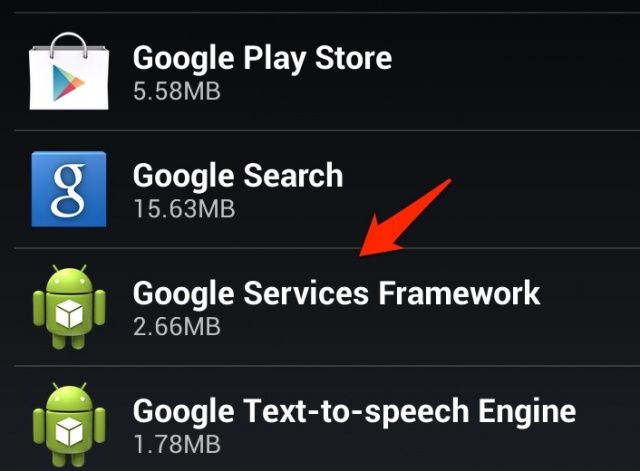
2. From the list of all installed apps and games on your device, find ‘Google Services Framework’ system app.
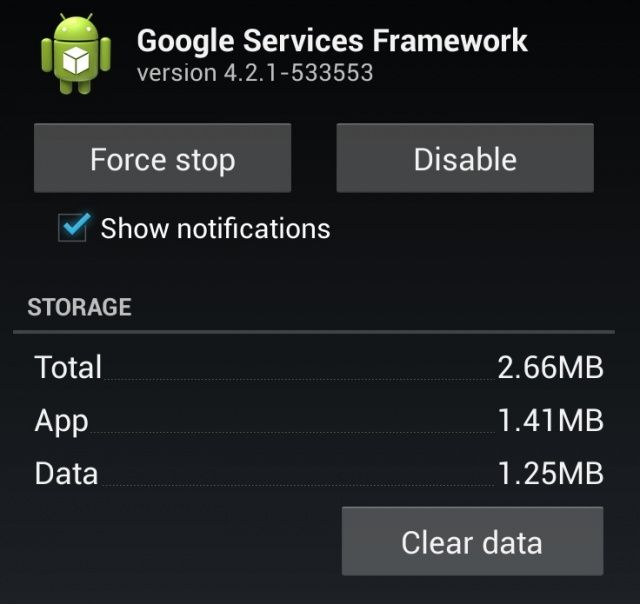
3. First, tap on the ‘Force Stop’ and then tap on the ‘Clear data’ option.
4. Now, head over to About Phone → System Updates and tap the ‘Refresh’ button.
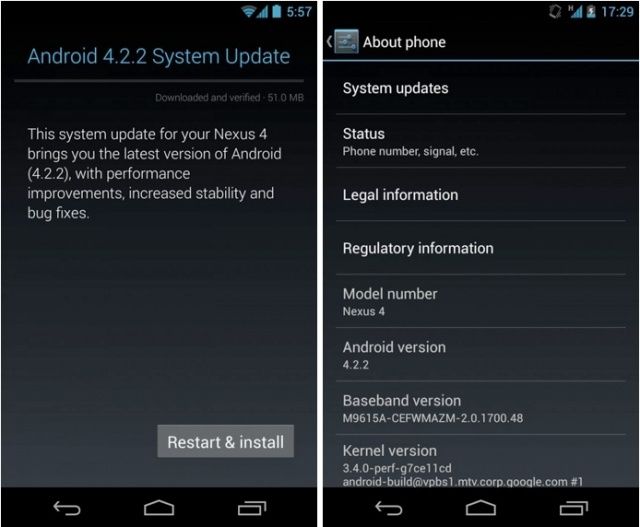
Depending on your region and a bit of luck, the Android 4.2.2 update should successfully show up on your Nexus device. If the above steps do not work, repeat them but reboot your device after step 3. You may also need to repeat the steps multiple times for the update to show up on your device.
Keep in mind that this is just a trick to manually initiate the OTA update process on your Nexus device. It may or may not work depending on the availability of the OTA file on the Google server of your region.


